
Build a custom line
Quote a one-off that isn't in your catalogue, priced from scratch.
What this is for
Sometimes a job is unlike anything in your catalogue. A custom line lets you build the price from scratch — add the materials, the labour, the machine time and your markup — so even one-offs are priced properly, not guessed.
Step by step
- 1
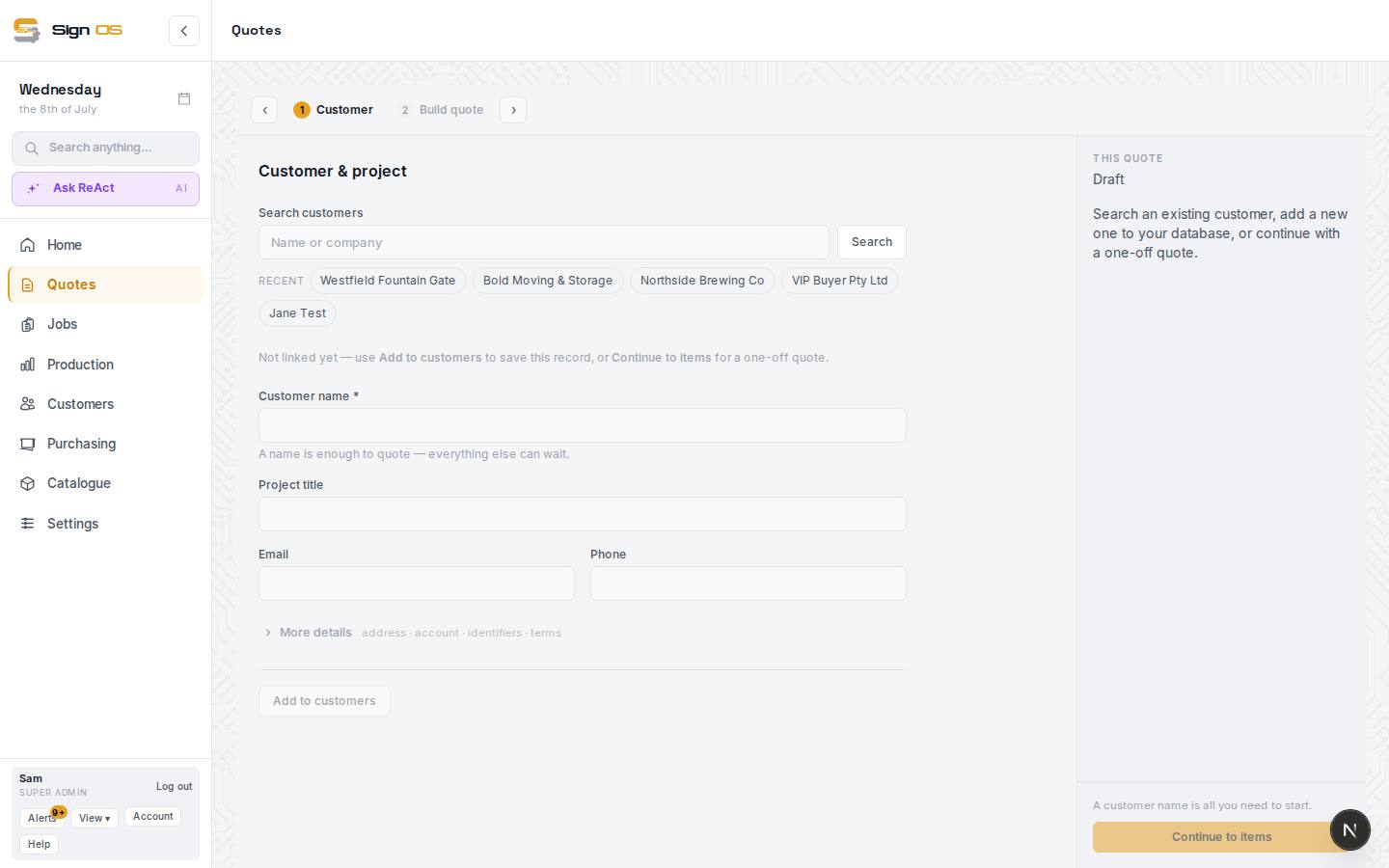
On the Build quote step, press + Custom line in the Add a line section.
- 2
Under 'What goes into it?', use + Material to add the materials it uses and how much of each.
- 3
Add + Labour and + Machine time (and + Hardware item or + Fixed charge if needed), using your department and machine rates.
- 4
Set the Markup on each line and watch the Product total it produces.
- 5
Press Save custom product to save the line into the quote alongside any other items.
Tips & gotchas
- Build from what the job consumes, the same way a product does — that is what keeps a one-off from being underpriced.
- If you find yourself building the same custom line often, turn it into a product so it becomes a one-click pick.