Up to 10 products, built free.
Tell us the products you quote most and we'll set them up while you try Sign OS, so you're pricing your own work in week one, not a demo shop's.
Sign OS takes a job from first enquiry to final invoice — quoting, production, purchasing, accounting, and an AI assistant that works the counter with you. No spreadsheets. No re-keying. No drift.
Rather not set it up yourself? We’ll build your shop for you →
Already on board? Sign in →
Spreadsheets, email threads and a whiteboard can hold a sign shop together — right up until they can’t. Every gap between systems is a place where money quietly leaks out. That’s the case for sign shop management software that holds quoting, production, purchasing and invoicing on one record.
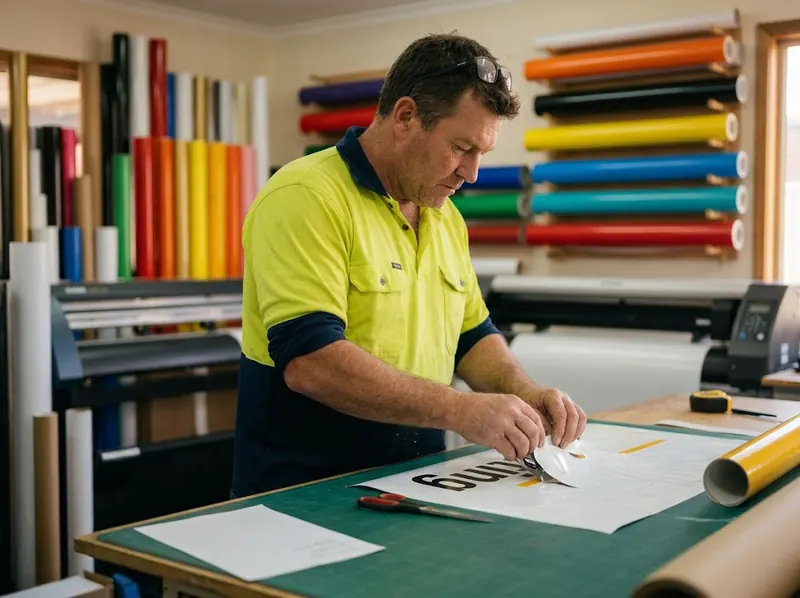

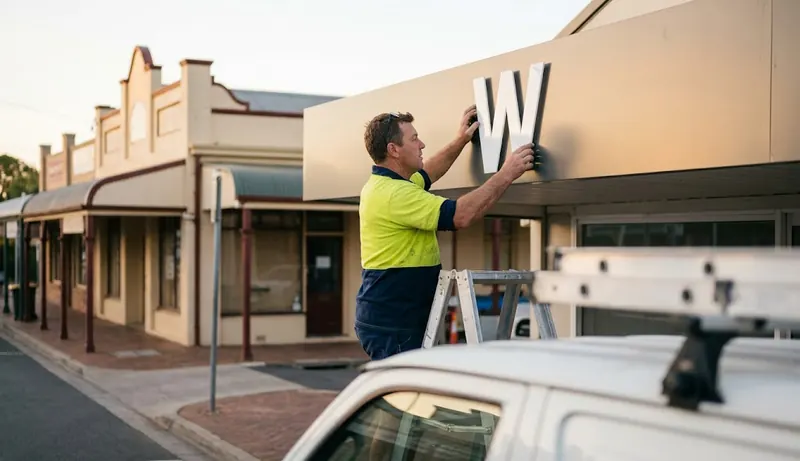
Most CRM and MIS systems hand you an empty screen and expect you to become an expert at building them before they’re any use. We’d rather you just learn to use Sign OS. Tell us what you sell and how you make it, and we’ll do the hard part: setting up your products, prices, machines and paperwork with you, so you hit the ground running.
Tell us the products you quote most and we'll set them up while you try Sign OS, so you're pricing your own work in week one, not a demo shop's.
Subscribe to Workshop or higher and we build everything else you send us. Customers, materials, machines, rates, products and paperwork. No setup fee.
Send what you've got in whatever shape it's in. We'll come back with questions, build it, and walk you through it. You check every price before you quote with it.
Define what you sell → price it → quote it → build it → buy for it → invoice it. One record travels the whole way. Click a stage.
Products in Sign OS are living recipes — substrates, machine time, labour, options and markup. Build it once and every quote after that prices itself the same way.
A café emails asking for a shopfront sign, corflutes, banners and an install. Three and a half minutes later it is made, approved, delivered and invoiced — and nobody typed the same thing twice.
A café emails asking for a shopfront sign, corflutes, banners and an install. Watch the email become a priced quote, the quote become a job, the proof get signed with a finger, the floor scan it through, and the invoice land in Xero — without anyone typing the same thing twice.
Every Sign OS shop ships with ReAct — an operations assistant wired into the same pricing engine, records and permissions as your team. Not a chatbot bolted on the side: it acts, and you approve.
“Show me Coastal Signs’ open quotes.” Ask in plain English — ReAct searches quotes, jobs, customers, stock, POs and more, scoped to what you’re allowed to see.
Drafts quotes, creates customers, updates jobs, raises POs — through the same engine and rules as your staff. You choose which changes ReAct must ask you to approve.
“Open the production timeline.” “Go to job J-204.” ReAct drives the app so you don’t dig through menus — especially handy on the counter with a customer waiting.
Ask what’s overloaded, what’s at risk, or how a department is tracking, and get a straight answer built from live production data.
More on how the assistant works, what it can and can’t do yet, and running it on your own ChatGPT or Claude account: AI sign shop software.
ReAct’s tools are gated by the same 70+ per-user permission grants as everything else. Admins pick the approval mode; changes follow your chosen approval setting; every action lands in the audit trail. Floor staff’s ReAct can’t see a price — because floor staff can’t.
Your feedback helps us find mistakes and check improvements to the assistant. Ratings and corrections are used to test answers, not to automatically train a shared model on your shop records.
Every one of these is a screenshot of the running product, and every one carries the date it was taken. Where a screen has moved on since, you can see that rather than take our word for it.
Owners see pipeline, at-risk jobs and follow-ups. Sales sees quotes waiting. Production sees the floor. Every role opens to exactly what matters to them.
▸ home
Screenshot taken 3 November 2026
No required fields, no form maze. Type who it's for and go straight to pricing — address, terms and identifiers can wait until they matter, behind “More details”.
▸ quotes / new
Screenshot taken 3 November 2026
A customer name is all you need to start. Add lines from your catalogue and the price rail keeps a running total, with a picture of each sign beside its price — margin, markup and Email quote all one click away.
▸ quotes / new
Screenshot taken 3 November 2026
A recipe is a list of plain sentences: uses this board, covers the sign, plus 10% waste; runs the printer for 5 minutes per square metre. Offer a choice — gloss, matte or no laminate — and the lines that follow it switch on with the pick. Every sentence shows what it adds, and the rail on the right shows what the sign would quote at and what it costs you, recalculated as you type.
▸ products
Screenshot taken 12 September 2026
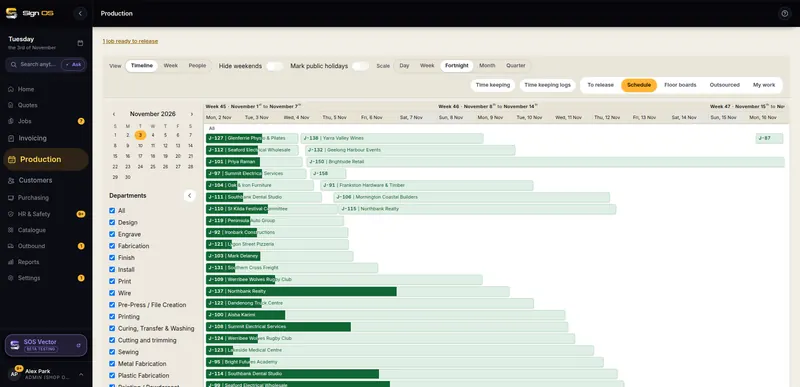
Every job, every department, one Gantt. Weekend-aware, holiday-aware, with overload warnings before a week becomes a missed deadline.
▸ production / schedule
Screenshot taken 3 November 2026
Every step lands on a day by how long it takes, with each day's booked hours against what the shop has. Drag a card to another day or hand it to someone, and you see what moves and whether a due date slips before you let go. Shut days stay empty, and work with no time on it waits in the tray.
▸ production / schedule
Screenshot taken 3 November 2026
The People view puts each person's steps on their days, with how much of their day is booked. Hand a step to someone by dragging it onto their row, and a step that runs over two days says so.
▸ production / schedule
Screenshot taken 3 November 2026
Every product carries its own photograph — so the list reads like your own shelves instead of a spreadsheet of names. The same picture follows the sign onto the quote, the job sheet and the customer's PDF.
▸ products
Screenshot taken 30 August 2026
One card per department with live ready and in-progress counts — tap through to a board sized for a computer, tablet or phone, with big buttons and no prices. Financials never appear on floor screens.
▸ production / floor
Screenshot taken 3 November 2026
The live status of every major capability — what's in production today and what's still being finished. Updated with every release.
Every item listed as working is verified in the live product before it appears here.
Every release, dated, in plain English. No marketing rewrite — this is the same list our shops get.
Shipped in the order that matters most to a working shop. No dates — if your shop needs something moved up, tell us and it moves.
Sign OS handles the administrative heavy lifting, from quoting to workflow tracking, so shop owners can spend less time behind a desk and more time building.
Designed from years inside the industry — not by developers guessing how sign shops work. Three things set it apart:
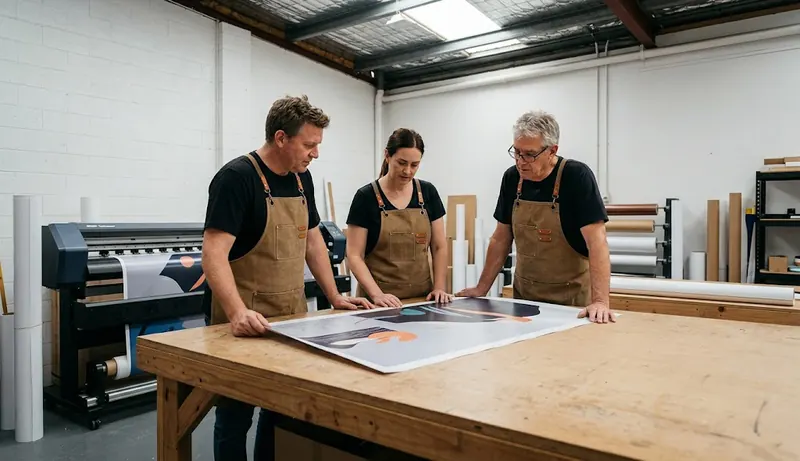
Sheets and rolls, sqm and lm, waste and yield, weeding and nesting — the pricing engine speaks sign shop, not generic ERP. It prices the way your estimator thinks, with depth horizontal software can't match.
Enquiry → quote → job → floor → PO → invoice, one system, zero re-keying. Most tools cover a slice; Sign OS closes the loop, so every job makes the next one faster to quote and easier to run.
ReAct executes real operations under real permissions, and every rated interaction makes it sharper. As the assistant earns trust, Sign OS moves from software you drive to a shop that runs itself.
Every decision starts with one question: does this move a job from enquiry to paid with less friction than yesterday?
One connected platform for a whole sign company — CRM, estimating, quoting, production, scheduling, purchasing, invoicing and accounting, plus ReAct, an AI assistant that works inside all of it. Instead of ten tools that don't talk to each other, every stage of a job lives in one place.
Todd Farrell, who built it after years on the tools in the Australian sign trade as an installer, estimator and production manager. Sign OS is a registered business name; Todd runs it as a sole trader in Victoria, Australia (ABN 50 613 736 709). Sign OS, two words, is sign shop software. It isn't Signos, the US glucose-monitoring app, or signageOS, the digital-signage platform. The detail is at signos.com.au/about.
Yes. Quotes, jobs, invoices, purchase orders, products, materials, your price book and timesheets export to CSV or Excel yourself, with no fee, and every artwork file and photo downloads as a ZIP. Customer and supplier lists need a request for now. Your data is backed up nightly, and if you leave it's deleted 30 days after your account closes. The detail is at signos.com.au/your-data.
The core loop — quote, produce, purchase, dispatch, invoice — runs in production today, along with your own no-code online store, custom domains, VIP & multi-shop supplier/installer portals, two-way Xero and QuickBooks accounting sync, desktop file sync for Windows and Linux in beta (macOS is not ready yet), a Google Drive folder per job, HR and safety records, versioned artwork proofs with customer sign-off, and custom reports. Storefront card checkout is available once your Stripe account is connected and verified — until then, orders land as enquiries for you to confirm and invoice. Filing email onto a job from the Outlook and Gmail panels works now. One thing is built but switched off: the MYOB connection, because MYOB charges A$110 a month just for access to its developer API. SOS Vector, our own drawing editor, is in public beta for every shop. The status board above reflects the current release. The detail is at signos.com.au/status.
You define each product as a recipe once — materials, machine time, labour, markup. The deterministic engine then prices every quote the same way, deriving usage, waste and time automatically. Overrides are always allowed and always visible.
Find any record in plain English, create and update quotes, jobs, customers and POs (following your chosen approval setting), navigate the app for you, and summarise live production. It runs under the same per-user permission grants as your staff, and admins choose how strict approval mode is.
Sign OS generates operational invoices and syncs two-way with Xero and QuickBooks today — sending invoices out and reading payment status back. The MYOB connection is built and tested, but MYOB charges A$110 a month just for access to its developer API, so it stays switched off until enough shops need it; we won't put a date on it. Sign OS is not the general ledger; your accountant keeps their system.
Roles plus 85+ per-user grants control everything down to line costs, margins and buy prices. Floor staff never see a dollar figure. Approval policies can gate quote sends, invoice issues, PO sends and variations.
No. Email us what you sell and how you make it, and we'll build it for you. On the trial we build up to 10 products free. Subscribe to Workshop or higher and we build the rest of your shop at no charge.
Guided onboarding when you join, email support from the team, a help centre and a growing library of shop-floor guides, and a Sign OS community on Discord where shops swap product setups and pricing tips and ask for features. ReAct also answers how-do-I questions inside the app, against your own data.
It's live — you can start a free 30-day trial right now, no card needed. The newsletter is just for feature news and pricing updates: no spam, easy unsubscribe.