
Add machines & their running rates
Price printer, laminator, router and laser time automatically.
What this is for
A machine rate is what it costs to run a machine — the printer, laminator, router, laser. Once your machines and rates are set, machine time prices itself into every recipe that uses them.
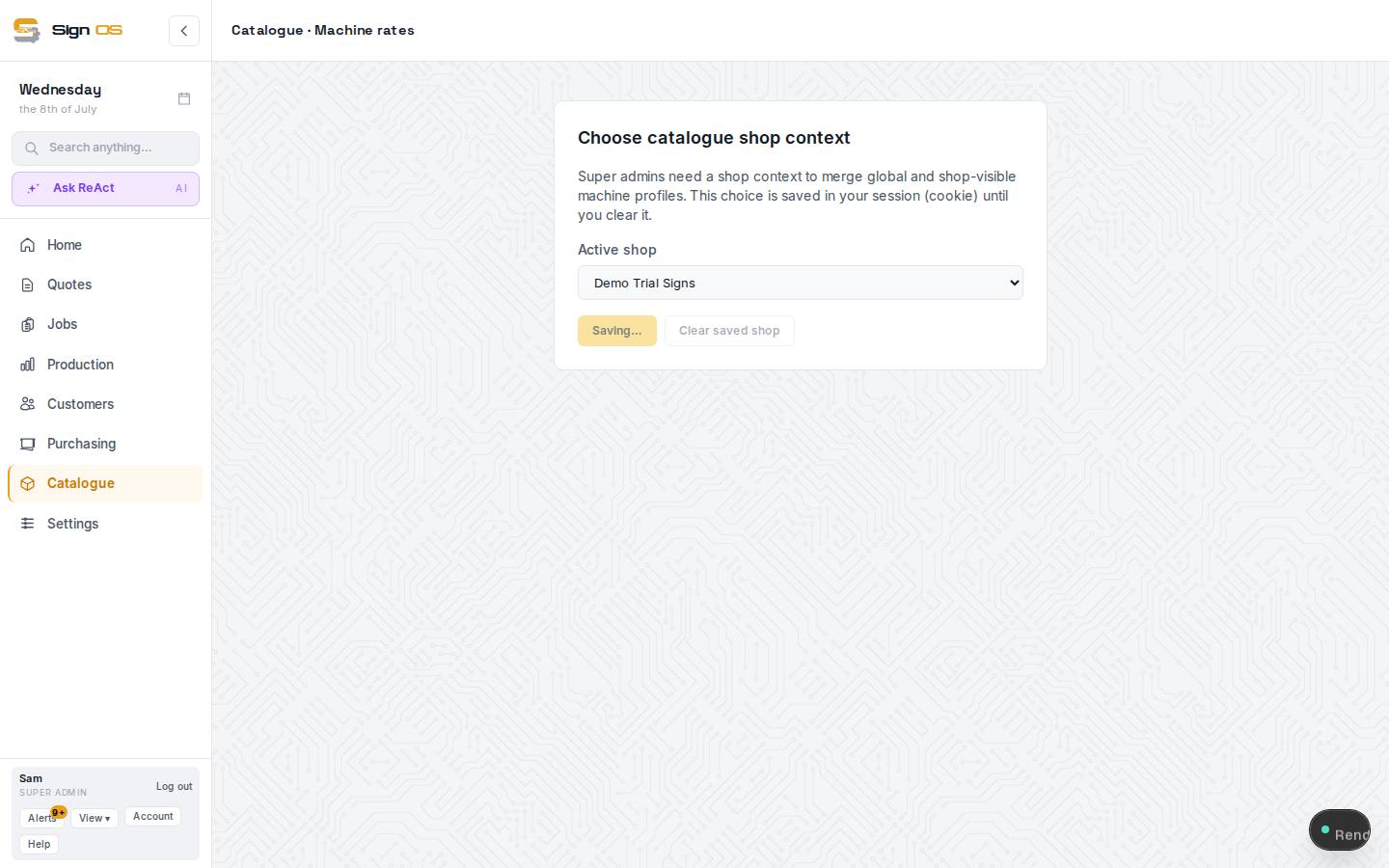
What is on this screen
Each part of the screen above, top to bottom, and what changing it affects.
Top
- + New rate profile
- A machine: pick its category, Provider, Model, an optional Type, then the rate figures.
- + Add category · Manage categories
- Categories are the family tiles — Roll printer, CNC router, Laminator… Global ones are shared; add your own.
- Filters
- Narrow the list by category or scope.
Rate profiles list
- Name · Type · Scope · Category
- Scope is Global (shared, read-only until you adopt it) or Shop (yours). Click a row to edit.
Inside a profile
- Provider · Model · Type
- How it is named on recipe lines.
- Hourly rate
- What an hour of the machine costs, without the operator — labour is separate.
- Square metres per hour · Setup minutes
- Speed and fixed set-up, so a line that says 'per square metre' turns area into machine time.
- Ink / running cost per square metre
- Consumables per unit of output, added on top of time.
- Save changes
- Recipes using the machine reprice on their next calculation.
Before you start
- You are signed in as an admin.
- Helpful: you have your departments set up so you can link machines to them.
Step by step
- 1
Open Catalogue → Machine rates.
- 2
Press + New rate profile, then pick the rate category the machine belongs to (for example Wide format print).
- 3
Fill in Provider, Model and an optional Type, then enter the rate figures grouped under Throughput, Cost and Setup — such as Hourly rate, Square metres per hour or Ink cost per square metre.
- 4
Press Save changes, and repeat for each machine. Recipes that use a machine now add its cost automatically.
Tips & gotchas
- Set the rate to recover the machine's real running cost — power, consumables, wear, and the cost of owning it. Profit is added by your margin later.
- Charge machines in the unit you think in. A printer might be per square metre; a router per hour.
- Your own Shop machines are the ones offered on a job: when you add work on its Production tab, swap a step to another machine with Edit beside the step, or add machine time under Additional cost tracking at its hourly rate.