
Set labour rates per department
What an hour of each department costs — and more than one rate where the work runs at different speeds.
What this is for
A labour rate is what an hour of a department's time costs. A department can carry several: weeding is not one speed — simple runs at 6 sqm an hour, complex at 2 — so each rate is named for the work it describes and a recipe line names the one it means. Once set, every product that uses the department prices its labour by itself.
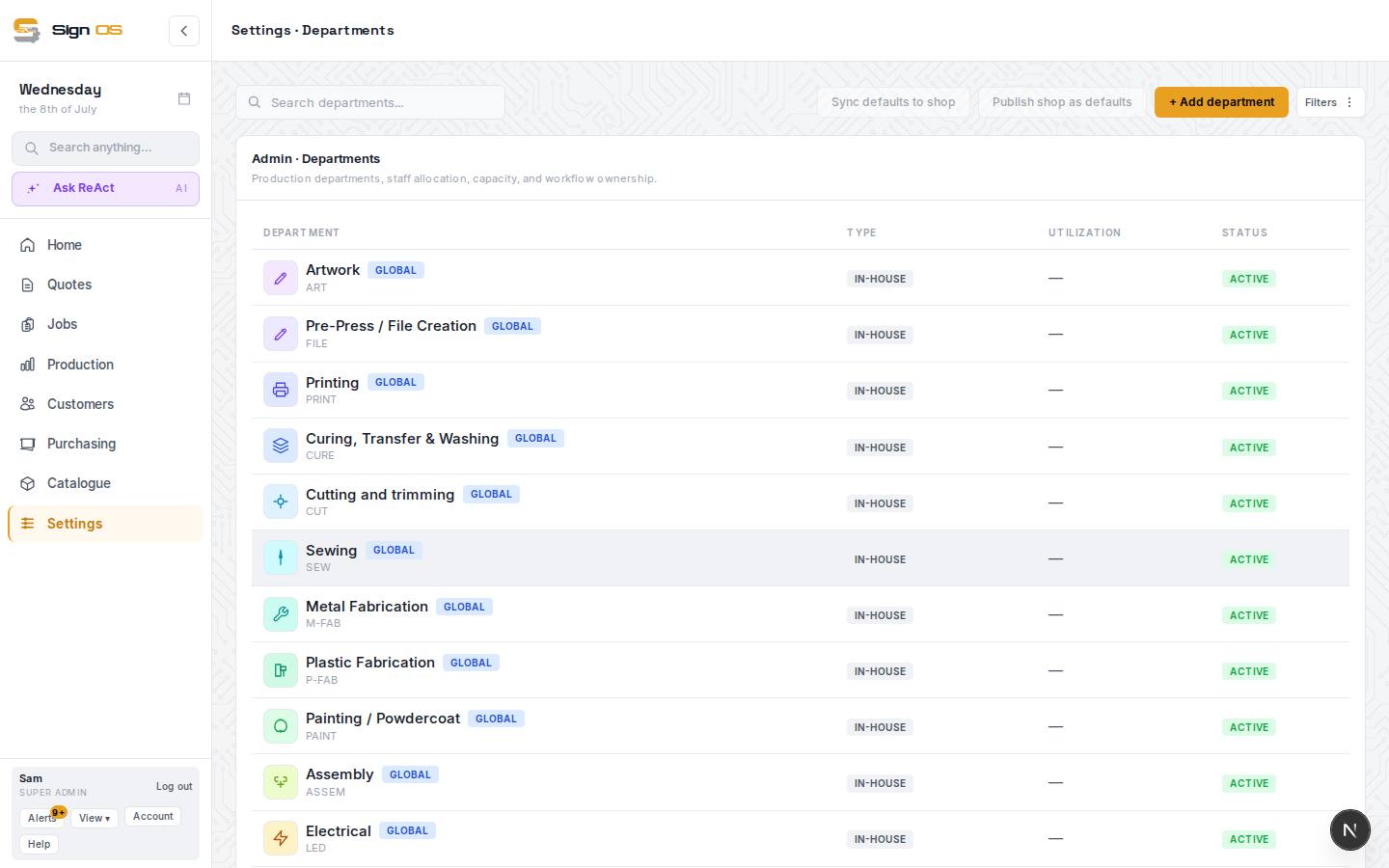
What is on this screen
Each part of the screen above, top to bottom, and what changing it affects.
Named rates a recipe line can pick
- New rate — name it whatever the work is called · Create rate
- A rate with its own numbers, selectable on recipe lines under Labour · this department. Starts empty; fill only what it uses.
- Or move a rate that already exists into this department
- Re-files a rate created elsewhere under this department.
Labour rates (the department's own)
- Hourly rate (charge-out)
- Dollars per hour for time-based labour lines. Required for quoting.
- Minimum charge
- A floor applied to labour cost lines when the profile minimum is used.
- Set-up time (minutes) · Set-up cost
- Fixed time before the work starts; the cost is worked out from the hourly rate.
- Square metres / linear metres / units per hour
- Speeds, so a line that says 'per square metre' turns area into hours.
- Cost per square metre / linear metre / unit
- For work you price by the amount rather than the hour.
- Custom markup %
- Blank follows the shop labour markup under Settings → Money → Pricing & margin; a value overrides it for this department's labour only.
- Save labour rates
- Applies to quotes calculated from now on.
Charge-out rate for billing actual time
- Per hour, excl. tax · Save charge-out rate
- What an hour of this department's work is billed at when a job is billed on its actual time from the job card. Quotes don't use it. Blank bills at what quotes charge: the hourly rate plus markup.
Before you start
- Create your departments first.
Step by step
- 1
Open Settings → Production → Departments, click a department and open its Labour rates tab. Two things live there.
- 2
Named rates a recipe line can pick: press New rate, name it whatever the work is called — 'Weeding · awkward vinyl' — and Create rate. It starts empty; fill in only the numbers this rate actually uses and it becomes pickable on any recipe line under 'Labour · <department>'. Or move a rate that already exists into this department.
- 3
The department's own Labour rates, below the list: the single set used by lines that reference the department rather than a named rate. Charge-out has the Hourly rate (charge-out), required for quoting, and a Minimum charge floor. Set-up has the time in minutes, and Sign OS works out the set-up cost. Speeds — square metres, linear metres or units per hour — or a cost per square metre, linear metre or unit are for work priced that way.
- 4
Custom markup % left blank follows the shop's labour markup under Settings → Money → Pricing & margin; a value overrides it for this department's labour only.
- 5
Save labour rates. Adding a named rate never changes what an existing line charges; a line has to pick it.
- 6
If you bill some jobs on their actual time, set the Charge-out rate for billing actual time at the top of the tab: what an hour of this kind of work is billed at. The job card uses it for the Actual column and Bill this job.
Tips & gotchas
- Base the rate on your true cost of an hour — wages plus on-costs — not just the wage. Markup is added on top.
- Labour and machine rates are separate on purpose: labour is the person, machine time is the equipment. A step can use both.
- A rate with no hourly figure prices the line at nothing and Things worth checking on the product will say so.