
Send an order to the maker
My job has a Trade Link product on it. How does the maker get the order?
- For
- Buyers
- Where to find it
- SidebarJobsopen the jobthe draft order at the top
- Takes
- 2 minutes
- You need
- Trade Link switched on for your shop. It is opening up shop by shop, so ask us if you cannot see it
What it is for
When a quote with a linked product becomes a job, a draft order waits for you. Nothing reaches the maker until you press Send.
After this you can
- Check and send a draft order
- Choose the files and where it is going
- Know what happens when the price has moved
The Orders screen
This is the screen before you trade with anyone. It fills in once you have a maker.
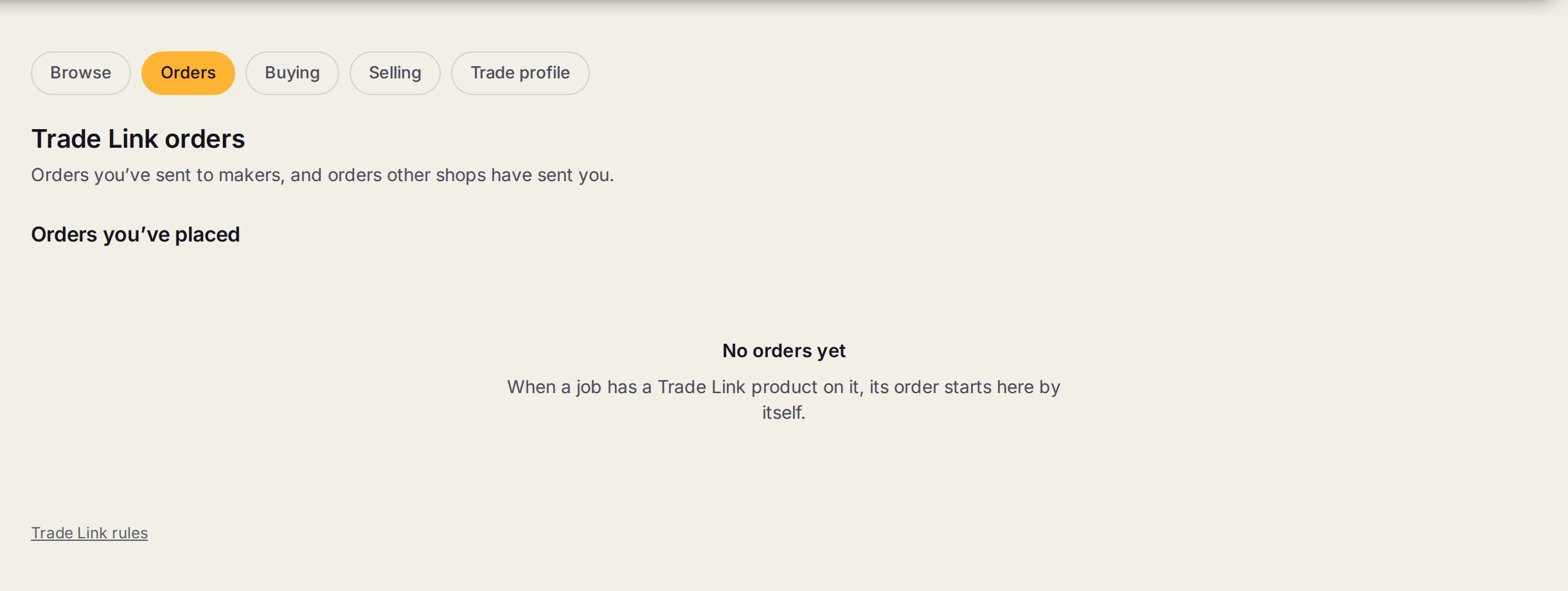
- 1OrdersThe tab for orders you have sent to makers, and orders other shops have sent you.
- 2Orders you've placedEach order you have sent, newest first.
- 3No orders yetWhen a job has a Trade Link product on it, its order starts here by itself.
- 4Trade Link rulesWhat both shops agree to. Read them once before your first order.
Step by step
- 1
Open the job
The draft order shows at the top, one for each maker on the job. It is also on Trade Link, Orders.
- 2
Check the lines
Typed wording goes across exactly as it is typed, so read it.
- 3
Pick the files
Files on that line are ticked for you. Add any others from your job.
- 4
Say when and where
When you need it in hand, and where it is going: To my shop, for pick-up, or Straight to the client if the maker does that.
- 5
Send it
Press Send to the maker. If the maker's price has moved since the quote, it tells you the difference and your margin now, and you decide.
- 6
Mark it received
When it arrives, mark it received on the order. That finishes the With the maker step on your job.
Tips
It goes through as a purchase order, so your job costs, Out at suppliers and the bill check all work the usual way.
When the maker invoices, a draft bill lands on your order to check. It reaches your accounts only under your own settings.
Watch out
Over your purchase order limit? It goes to your approver first. The maker sees nothing until it is approved.
To change something after it has gone, ask on the order. Before the maker accepts you can cancel. After that it is a request they answer.
Common questions
It says not delivered yet. What do I do?
Press Send again.