
Run a big signage schedule through Trade Link
I have a 40-sign schedule in a spreadsheet. How do I quote and order it without retyping?
- For
- Buyers quoting fit-outs
- Where to find it
- SidebarPurchasingTrade LinkLoad a sign schedule
- Takes
- 10 minutes a schedule
- You need
- Trade Link switched on for your shop. It is opening up shop by shop, so ask us if you cannot see it
What it is for
A fit-out might be 40 signs with room names, levels and types. Paste the schedule and each row becomes a line, with its wording and reference kept.
After this you can
- Turn a pasted schedule into quote lines
- Fix the rows that did not match
- Send a revised schedule on the order
Before you start
- You have trade access to the maker. Without one, the screen tells you to browse and ask for access first.
The Load a sign schedule screen
This is the screen before you trade with anyone. It fills in once you have a maker.
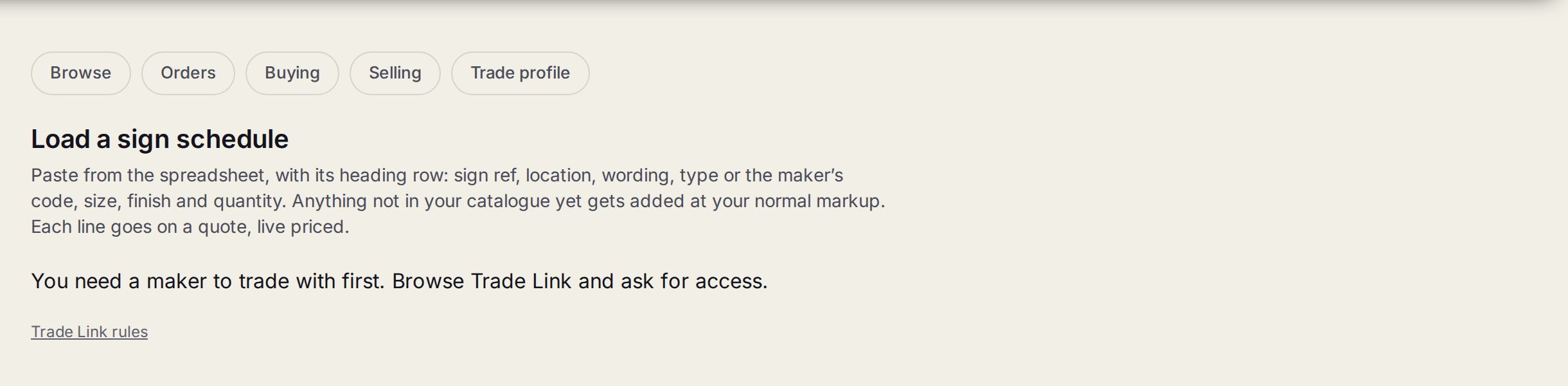
- 1Load a sign scheduleWhere a whole schedule goes on a quote in one go.
- 2What to pasteThe spreadsheet with its heading row: sign ref, location, wording, type or the maker's code, size, finish and quantity.
- 3The maker noteYou need a maker to trade with before a schedule can be loaded.
Step by step
- 1
Paste the schedule
Open Load a sign schedule and pick the maker. Paste the rows from your spreadsheet, with the heading row: sign ref, location, wording, type or the maker's code, size, finish and quantity.
- 2
Check the matches
It shows how each row matched: the type, the size and the choices. Fix anything it could not match.
- 3
Put it on a quote
Press the button to put the matched rows on a quote. Every line is priced live and keeps its reference and location.
- 4
Send the order
When it is a job, send the order as normal. On braille and access signs, say who checked it against the building's schedule.
- 5
When the schedule changes
Paste the new revision on the order under A revised schedule. It shows what changed, what has gone and what is new, and each one goes to the maker to answer.
Tips
Anything not in your catalogue yet gets added at your normal markup.
Same-type signs run as a batch on the maker's floor, not a set of steps per sign. The maker can pull the lines as a spreadsheet.
Something off the list? Use Ask the maker on the listing. If they answer with a price, add it to the draft as a special line.
Watch out
Hold a line if the room is not named yet. It tells the maker not to make that one.