
The supplier portal
What a supplier with a login sees: your requests for prices, their prices, your orders.
What this is for
A supplier can have their own Sign OS login. It shows them only the shops that have linked them, and for each: requests for prices to answer, the current price of every material you buy from them so they can update it, and the orders you have sent. Their answers land in your Sign OS without anyone retyping a spreadsheet.
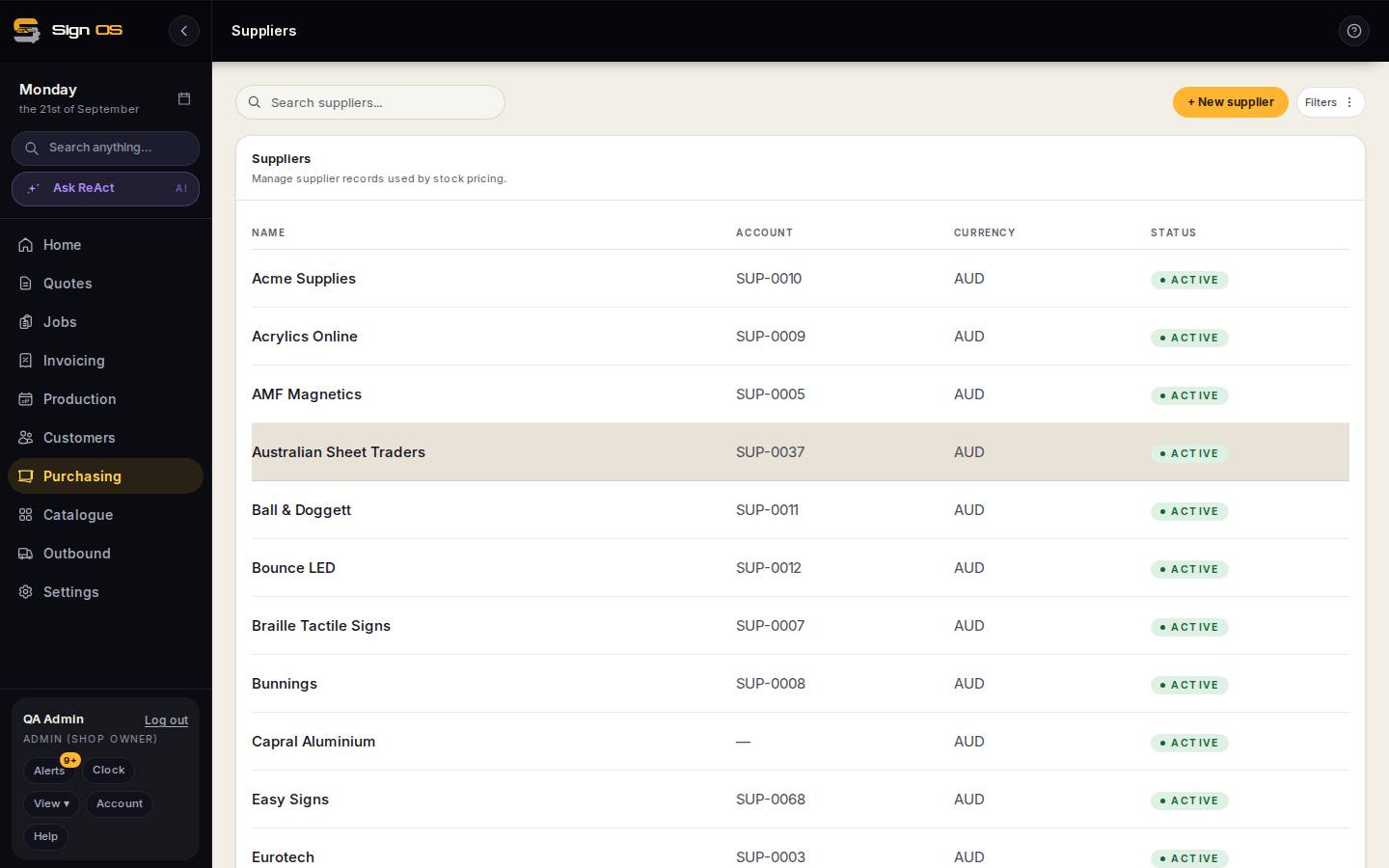
What is on this screen
Each part of the screen above, top to bottom, and what changing it affects.
What the supplier sees
- Linked shops
- One opens straight away; more than one is a list.
- Requests — Needs pricing · Price this RFQ · Send response · Responded
- Your RFQs and their answers.
- Prices — Material · Current · New price · Confirm & save
- Every material of yours they supply; changes update your supplier quotes.
- Orders — Status · Required by
- The POs you have sent.
Before you start
- The supplier signs up themselves from the Supplier sign-up link on the login page (Join as a supplier), or you invite them from their supplier record.
Step by step
- 1
The supplier signs in and sees the shops linked to them. One shop opens straight away; more than one is a list.
- 2
Requests for prices: each RFQ you sent shows as Needs pricing. They Price this RFQ — a price and lead time per material — and Send response. It appears against the RFQ on your Supplier RFQs screen as Responded.
- 3
Prices: every material of yours they supply, with its Current price and a New price column. They enter changes and Confirm & save; your stock costs update from the supplier quote.
- 4
Orders: the purchase orders you have sent, with status and required-by date. A supplier without a login gets the same order by email link instead — see Let a supplier confirm an order without an account.
Tips & gotchas
- A supplier never sees your sell prices, your customers, or anything about another supplier.
- Ask your two biggest suppliers to keep their prices current here and your quotes stop drifting from reality.