
Ask suppliers to price your materials
Send a list of materials out to price, then compare the answers side by side.
What this is for
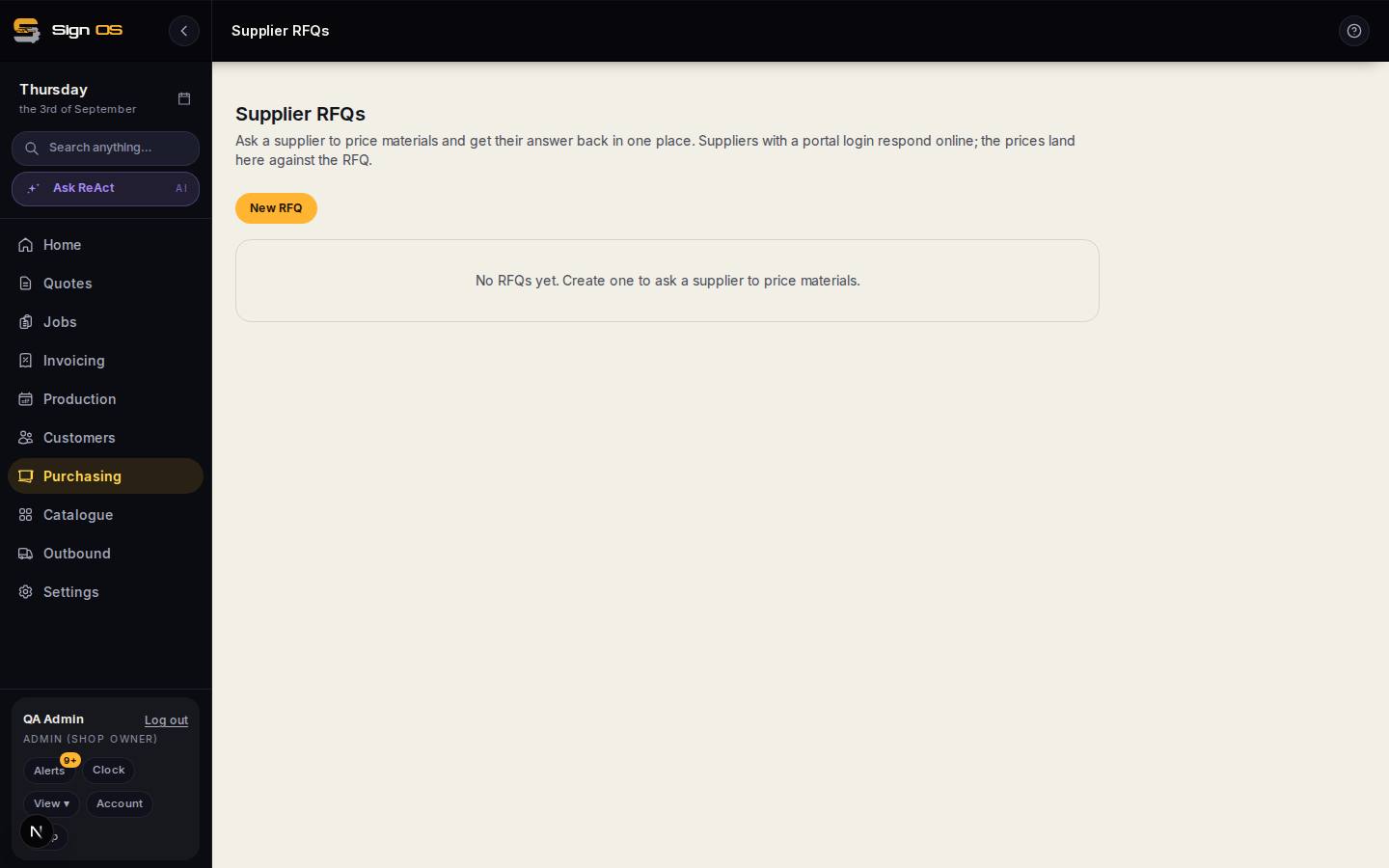
A supplier RFQ is a request for pricing: you list the materials you need, send it to a supplier, and their prices, availability and lead times come back in one place. When you like an answer, it converts straight into a draft purchase order.
Before you start
- The supplier exists under Purchasing → Suppliers.
- The supplier has a portal login if you want them to answer themselves.
Step by step
- 1
Open Purchasing → Supplier RFQs and click New RFQ.
- 2
Give it a title, pick the supplier, and add a line for each material you want priced.
- 3
Create the RFQ, open it, and click Send to supplier.
Note: This does not send an email yet. It notifies the supplier's portal login and gives them a link to answer on. If your supplier does not have a portal login, ring or email them the normal way and type their answers in yourself.
- 4
As prices come back, each line shows a unit price, availability and lead time. Awaiting means that line has not been answered.
- 5
Happy with the answer? Click Convert to draft PO and finish the order in the purchase-order wizard.
Tips & gotchas
- Sent the same list to more than one supplier? Use Compare to put the open RFQs with pricing side by side and pick the best line, not just the best total.
- Prices you accept here do not overwrite your catalogue costs — update the material's supplier quote if the new price is the one you want to quote from.