
Put meetings, closures and leave on the Planner
One month view of what is coming up for the whole shop.
What this is for
The Planner is a shared calendar for the things that are not jobs but still take time off the floor — a staff meeting, a public holiday, someone on leave, the shop closed for stocktake. Production sees them alongside the work.
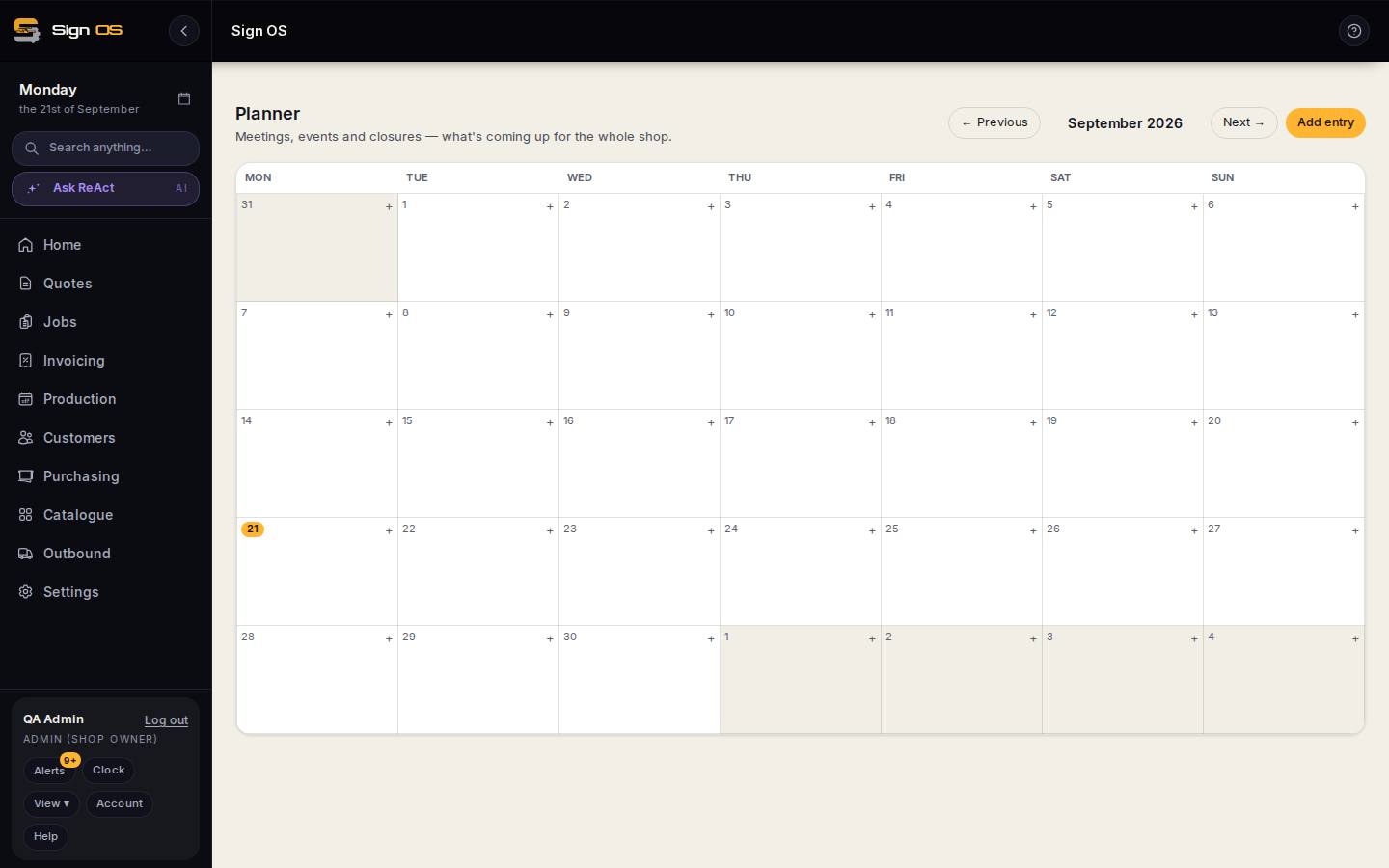
What is on this screen
Each part of the screen above, top to bottom, and what changing it affects.
- ← Previous · month · Next →
- Move through months.
- Add entry · + on a day
- Open the entry form.
- What is it?
- Shop (Meeting, Event, Function, Closure, Other), Someone's away, Department entries, and your own kinds from Settings.
- Who's away · Not saying
- For leave; private if you like.
- Minutes to deduct
- Capacity taken out of the working day.
- Colour · Notes
- The pill colour and a note.
- Pills on the grid
- A public holiday is one entry per department shown as one pill.
Step by step
- 1
Open Production → Planner. It shows one month; use Previous and Next to move.
- 2
Click the + in a day, or Add entry at the top, and say What is it: a shop entry (Meeting, Event, Function, Closure, Other), Someone's away, or a Department entry such as a public holiday. Your own kinds from Settings appear here too.
- 3
For someone away, pick who — or Not saying if it is private. For time taken out of the working day, set Minutes to deduct so capacity drops by that much.
- 4
Give it a colour and a note if it helps, then save. Entries that affect capacity flow into the production timeline.
Tips & gotchas
- A public holiday is one entry per department, shown as a single pill. That is deliberate: a department that works the holiday can have its entry removed on its own.
- Your own entry kinds — say 'Trade show' or 'Training' — are set up under Settings so everyone picks from the same list.