
Send part of a job now, the rest later
Split a delivery and keep track of what's still owed.
What this is for
When only part of a job is ready, send what you have. Sign OS raises a fresh docket for the balance automatically, so the remainder has its own date, address, carrier and paperwork instead of living in someone's head.
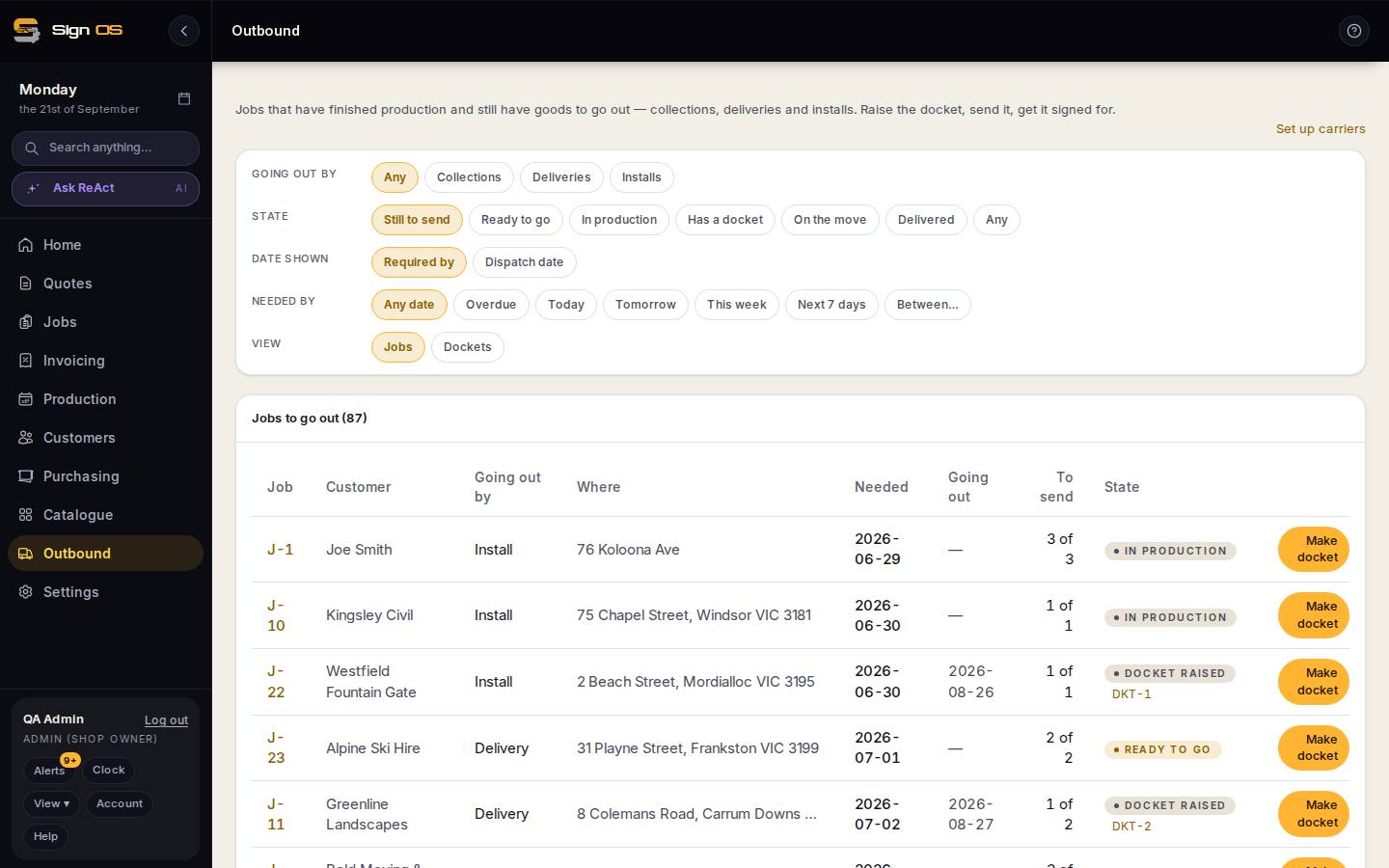
What is on this screen
Each part of the screen above, top to bottom, and what changing it affects.
Docket builder
- What's going out — Sending now
- Set only the items and quantities going now; Already sent and Left show the rest.
- Create docket · release
- A draft docket for what is left appears with the same delivery details.
Step by step
- 1
Build the docket with only the items going now.
- 2
Release it.
- 3
A draft docket for what's left appears automatically, carrying the same delivery details.
Tips & gotchas
- The outstanding quantity on each item is worked out from the dockets themselves, so it can't drift out of step with what has actually gone.
- A cancelled docket doesn't count against the job — the goods go back to being available.
- The remainder docket appears when you release, not when you create, so you don't get an endless chain of drafts.