
Put a customer on hold or set a credit limit
Stop work going out to an account that owes you money.
What this is for
A hold stops new quotes going out and stops jobs being released for that customer. A credit limit does the same when new work would take them past what you're willing to carry. Both are off until you turn them on.
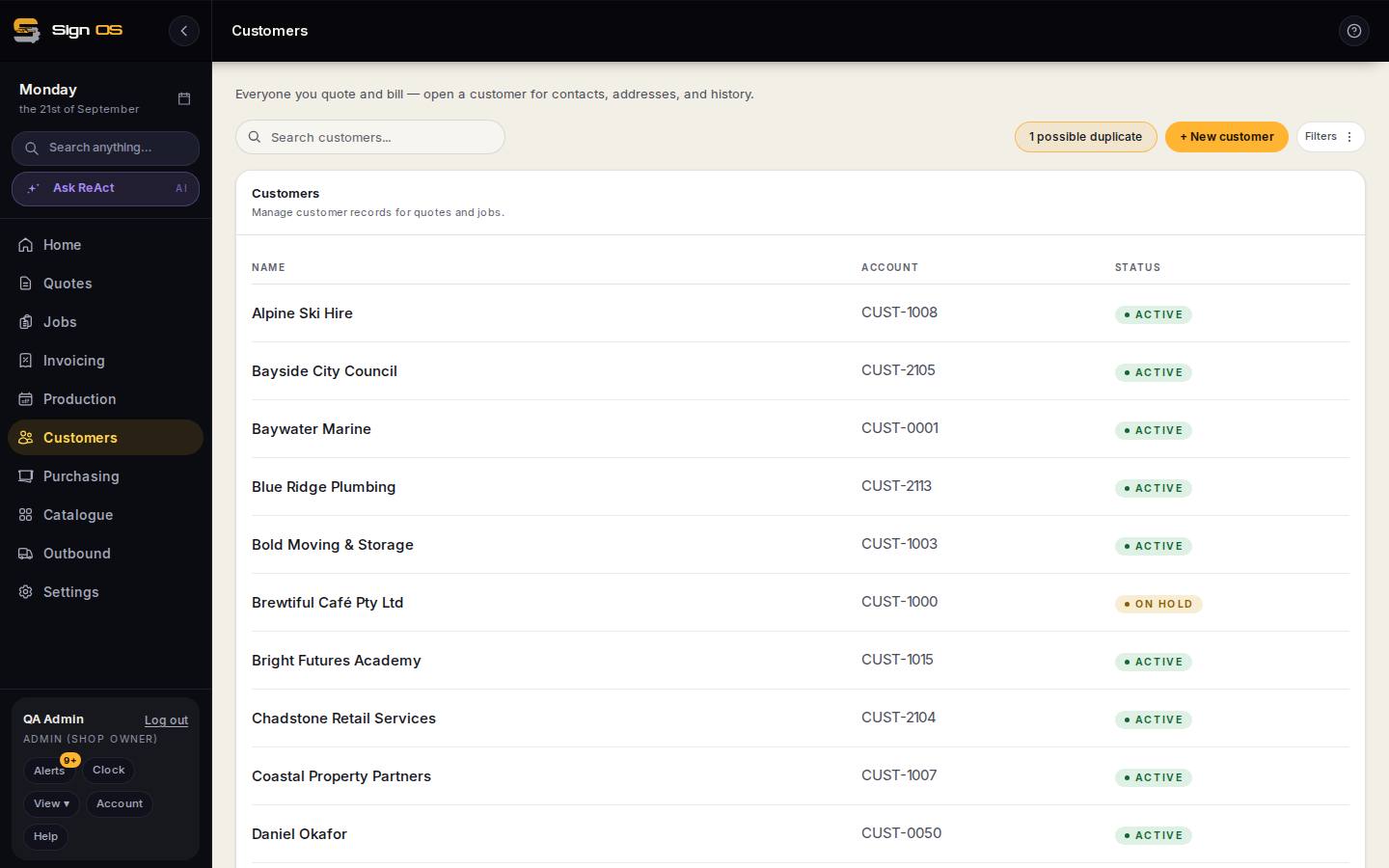
What is on this screen
Each part of the screen above, top to bottom, and what changing it affects.
- Credit control (Settings → Money → Quotes & invoices)
- What a hold and a limit do: nothing, warn, or block.
- Status: On hold · reason (on the customer)
- The reason is shown to whoever hits the hold.
- Credit limit
- Checked when new work would take them past it.
Step by step
- 1
Choose what a hold and a limit should do under Settings → Money → Quotes & invoices → Credit control: Do nothing, warn, or block, for an account on hold and for work over the credit limit.
- 2
Open the customer, set their status to On hold, and say why. The reason is shown to whoever hits the hold.
- 3
Set a credit limit on the same screen if you want one.
Tips & gotchas
- The customer's record shows what they owe against their limit, and turns amber as they get close.
- Someone with the Override credit holds permission can send it anyway — they have to give a reason, and it's recorded against the account.
- The shop floor only sees "On hold — see office". Balances never appear on floor boards.
- Holds are per customer record, so merge any duplicates first or the hold only covers one of them.
Related guides
Merge duplicate customersJoin two records for the same customer into one.Write off money that isn't comingClose out a debt a customer is never going to pay.Manage your customersCustomer records with pricing groups, terms and history.Set how quotes and invoices workDocument numbers, the delivery line, deposits, credit terms and who signs off what.