
Write off money that isn't coming
Close out a debt a customer is never going to pay.
What this is for
A write-off tells your books the money is lost. It raises a credit note to your bad-debt account so your accounting software agrees, and takes the amount off what the customer owes — which matters if you use credit limits, because an old debt nobody can write off would block that customer forever.
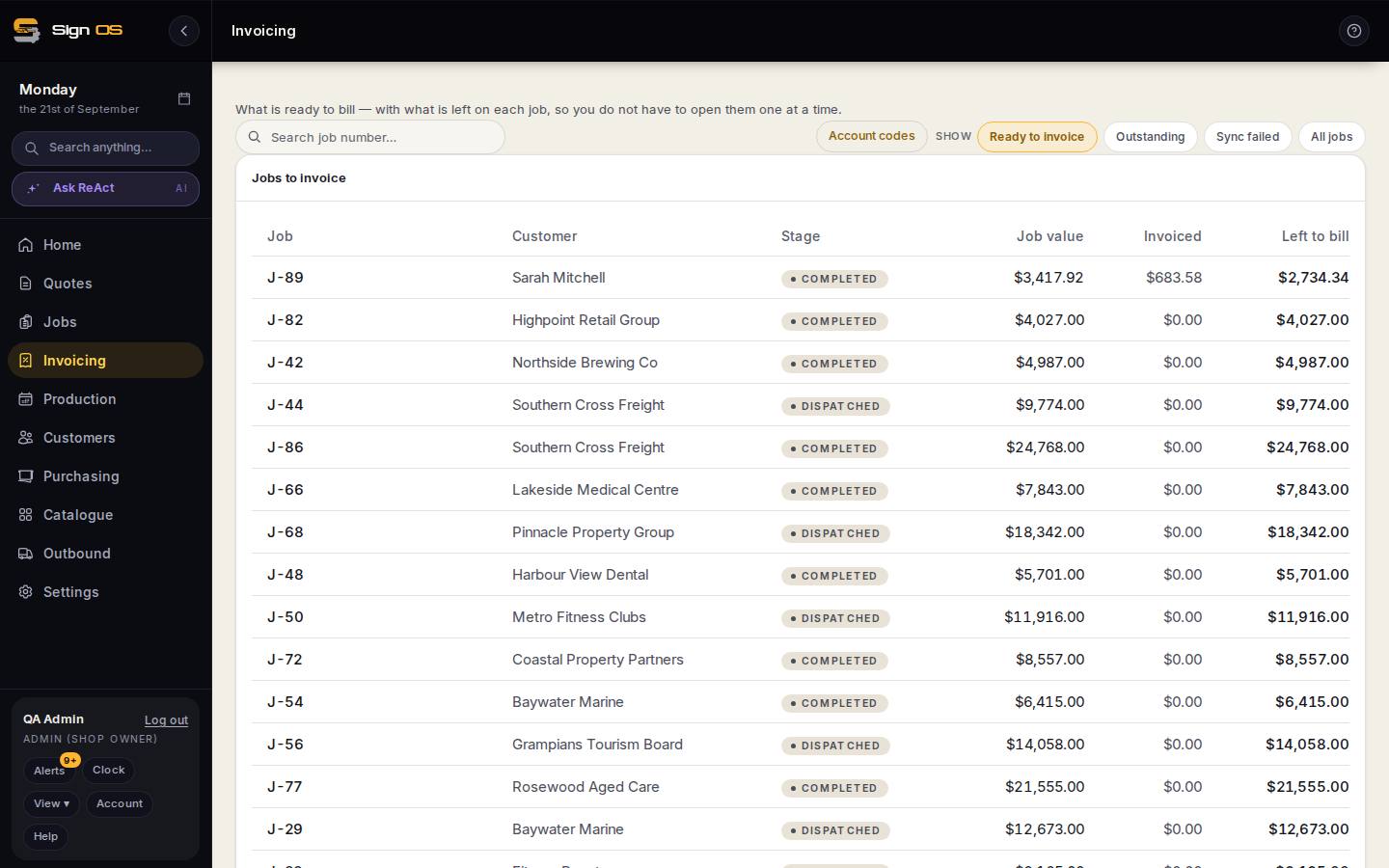
What is on this screen
Each part of the screen above, top to bottom, and what changing it affects.
- Bad debt account code (Accounting settings)
- Where the write-off posts.
- Write off — amount · reason (on the invoice)
- Raises a bad-debt credit note; the invoice shows Written off.
Step by step
- 1
Set your bad-debt account code once, under Settings → Connections → Accounting.
- 2
Open the job's Accounts tab and open the invoice you're writing off.
- 3
Choose Write off, enter the amount, and pick a reason.
Tips & gotchas
- You can write off part of an invoice — if a customer settles at sixty cents in the dollar, write off the rest. The invoice stays owed for the remainder.
- Only an invoice that has reached your accounting software can be written off. If it's stuck with a sync error, fix the sync first.
- Written-off amounts show on the customer's record, so the next person deciding whether to extend them credit can see the history.
- For the year's list your accountant asks for, open Reports and pick the starter report Bad debts written off.
Related guides
Credit a customer backRaise a credit note when a job shrinks or the customer changes their mind.Put a customer on hold or set a credit limitStop work going out to an account that owes you money.Build your own reportsPick any of your shop's data, total it how you like, chart it, save it and share it.