
Sign OS blog
Machine and Labour Time: How Sign Costing Really Works
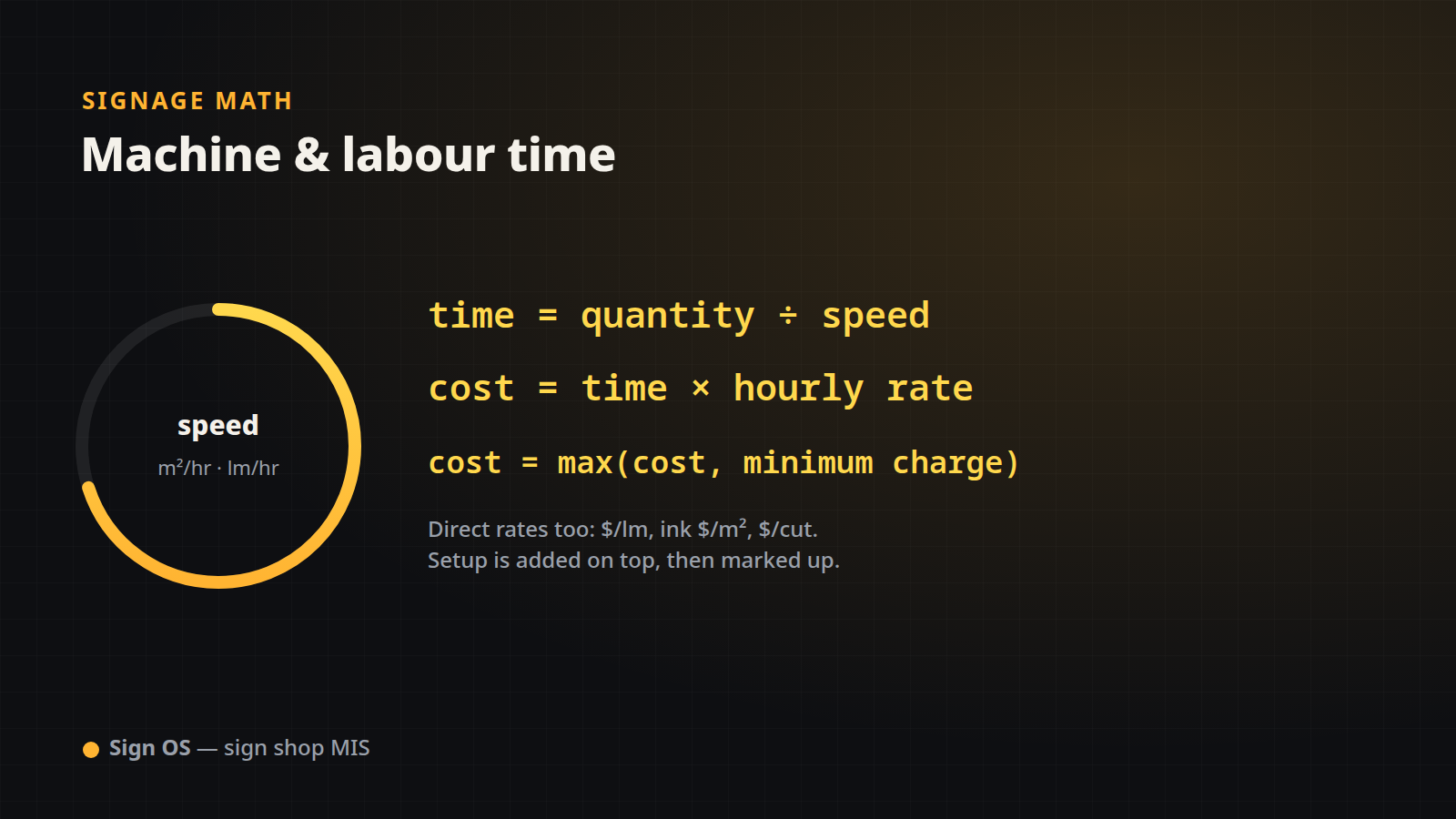
Material is only half of a sign's cost. The other half is time — the printer laying down ink, the router cutting a shape, the hands laminating and finishing. Costing time well is what separates a shop that quietly loses money on labour from one that doesn't. Here is the exact arithmetic Sign OS uses.
Speed-based costing: the core two lines
Most machine and labour time in Sign OS is priced from a speed and an hourly rate:
time (hours) = quantity ÷ speed
cost         = time × hourly rate
The "quantity" is whichever job number the process consumes — square metres for a printer, linear metres for an edge router, units for a laminator — and the "speed" is the rate profile's throughput for that field (sqm_per_hr, lm_per_hr, units_per_hr).
Worked example: printing a 2.88 m² panel
A printer runs at 15 m²/hr and its time is charged at $90/hr:
| Step | Calculation | Result |
|---|---|---|
| Time | 2.88 ÷ 15 | 0.192 hr |
| Machine cost | 0.192 × 90 | $17.28 |
The 2.88 m² is the same area the quote geometry produced — print time reads from the identical number that drove the media cost.
Direct rates: when there is no speed
Some processes are priced per unit of work, not per hour. Sign OS supports these directly, no speed required:
- `cost_per_lm` —
cost = linear metres × rate(e.g. a fabrication charge per metre of tray edge). - `ink_cost_per_sqm` —
cost = area × rate(consumables that scale with print area). - `cost_per_cut` —
cost = units × rate(a flat charge per cut or per piece).
These sit alongside speed-based lines on the same job, so a router can bill both its time (speed-based) and its tooling (per cut) if that is how you cost it.
Department labour: hours, minutes and setup
Hand labour is entered the way people actually talk about it — hours and minutes — and converted to decimal hours before costing:
decimal hours = (hours × 60 + minutes) ÷ 60
labour cost   = decimal hours × hourly rate
Twenty minutes of laminating in a department charged at $65/hr:
| Step | Calculation | Result |
|---|---|---|
| Decimal hours | (0 × 60 + 20) ÷ 60 | 0.3333 hr |
| Labour cost | 0.3333 × 65 | $21.67 |
| Plus 10 min setup | (10 ÷ 60) × 65 | $10.83 |
| Line cost | 21.67 + 10.83 | $32.50 |
Setup is added on top of the run time, then the whole line is marked up — so first-off costs are recovered without inflating the per-unit rate.
The minimum charge floor
A department, a machine or a single line can carry a minimum charge. It floors the cost before markup:
cost = max(calculated_cost, minimum_charge)If that $17.28 print carried a $25 minimum, the cost becomes $25 (then marked up). The minimum protects you on tiny jobs where the real machine time doesn't cover the effort of loading the job at all.
From time cost to sell price
Every line above produces a cost. Sign OS then applies your markup to turn it into a price — machine time and labour each carry their own markup bucket in separated mode (both default 60%). The full rule, and why a 60% markup is a 37.5% margin, is in Markup vs. Margin:
sell = cost × (1 + markup ÷ 100)So our $17.28 print, at a 60% machine markup, sells for 17.28 × 1.60 = $27.65 — unless the $25 minimum kicked in first, in which case it is 25 × 1.60 = $40.00.
Why speed-based costing wins
Costing time by the hour, from a real throughput number, means your quote reflects your actual capacity — not a gut-feel round number. Change a machine's speed or a department's rate once and every future quote re-costs automatically. That is the whole point of running it in a system:
- Feed it the right quantities: The Math Behind a Signage Quote.
- Add the material it runs on: Material Yield and Waste.
- Turn total cost into a defensible price: Markup vs. Margin.
Sign OS is the sign shop MIS that costs machine and labour time from real speeds and rates — so the hours you quote are the hours you actually work.