
Book a courier from the docket
How do I book the courier and print the label without leaving Sign OS?
- For
- Dispatch
- Where to find it
- SidebarOutboundopen the docketBook a courier
- Takes
- 2 minutes
- You need
- A connected courier that can book, and a docket going by Courier
What it is for
Booking from the docket boxes just what is on that docket, books the courier you pick, and puts the consignment number, label and cost where the rest of the docket already looks.
After this you can
- Get prices for what is on one docket
- Book the courier and print the label
- Close the day and hand the driver a list to sign
Before you start
- The docket is going by Courier and is still a draft or ready.
- A courier that can book is connected: Sendle, Australia Post, StarTrack, FedEx / TNT, Couriers Please, Aramex, Border Express, Direct Freight or Transdirect.
Where to start
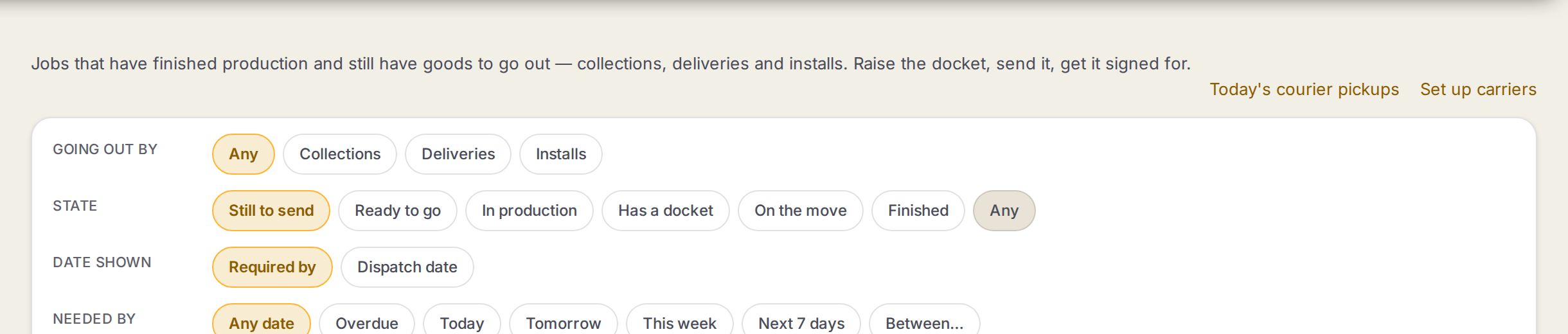
- 1Today's courier pickupsEvery docket booked with a courier that day, by courier, with consignment numbers. Print it for the driver to sign.
- 2Set up carriersYour couriers and their services, and the tracking link each one uses.
Step by step
- 1
Open the courier docket
Go to Outbound and open the docket. The Book a courier box is on it once a courier that can book is connected.
- 2
Get prices
Press Get courier prices. Sign OS boxes what is on this docket, its lines, quantities and address, and asks the couriers that can book.
- 3
Book it
Press Book on the service you want. The check says whether it is the courier's sandbox, where nothing is picked up or charged, or a real pickup. Press Book it.
- 4
Print the label
Press Print label and stick it on the box. The label is kept with the docket, so it can be printed again any time.
- 5
Mark it gone
Press Goods have gone out when the courier takes it. Email tracking to customer works as before.
- 6
Close the day
At the end of the day open Today's courier pickups on Outbound. Press Print the list and have the driver sign it.
What the docket shows once it is booked
| On the docket | What it means |
|---|---|
| Booked with … · the consignment number | The courier, the service and the number to quote if you ring them. |
| costs you $… ex GST | What the courier charges you for this docket, beside what you quoted for delivery. |
| Print label | Opens the courier's label. More than one box gives Print label 1, Print label 2. |
| sandbox: no real pickup, nothing charged | It was booked in the courier's practice area. |
Closing the day, by courier
On Today's courier pickups.
| Courier | What to do |
|---|---|
| Australia Post or StarTrack | Press Close the day so the day's bookings go to them as one order, then print the order summary for the driver. |
| Border Express | Press Book the pickup so their driver comes for the day's parcels. |
| Direct Freight | Close the day by 6:30 pm, or they may close it themselves and charge a fee. |
| Everyone else | Print the list and have the driver sign it. |
Words on this screen
Consignment number
The courier's number for the booking. It is what tracking is looked up by.
Sandbox
The courier's practice area. Good for trying a booking before the first real one.
Tips
Label size is set under Courier labels in Shipping & delivery settings: an A4 sheet for the office printer, or a 4 × 6 inch label for a thermal printer.
Booked through Transdirect? The docket names the courier that carries it, like Couriers Please, and its tracking link.
Using a courier Sign OS does not connect to, or a broker like InXpress? Price from your own weight bands, book on their website and type the consignment number on the docket. Put the courier's tracking link on its service under Set up carriers and the docket and the customer's email both link to it.
Watch out
A docket can only be booked once.
A courier only books on a live account once its booking has been checked against that courier's own test area. Until then the docket says so, and you book on the courier's website and type the number in.
Already-booked dockets keep the label size they were booked with.
Common questions
There is no Book a courier box on my docket. Why?
No courier that can book is connected, the docket is not going by Courier, or it has already gone out.
The label is not there yet. What now?
Some couriers take a minute to make it. Press Print label again shortly.
Why does my docket link to the courier's website and not list scans?
Couriers Please, Direct Freight and Transdirect do not share their scans, so the docket links to their own tracking page.