
Reopen a job you closed too early
Put a completed or cancelled job back on the board.
What this is for
Jobs get marked done before they are. Moving the status back puts the job back in front of the people working on it, and every change is logged so the history stays honest.
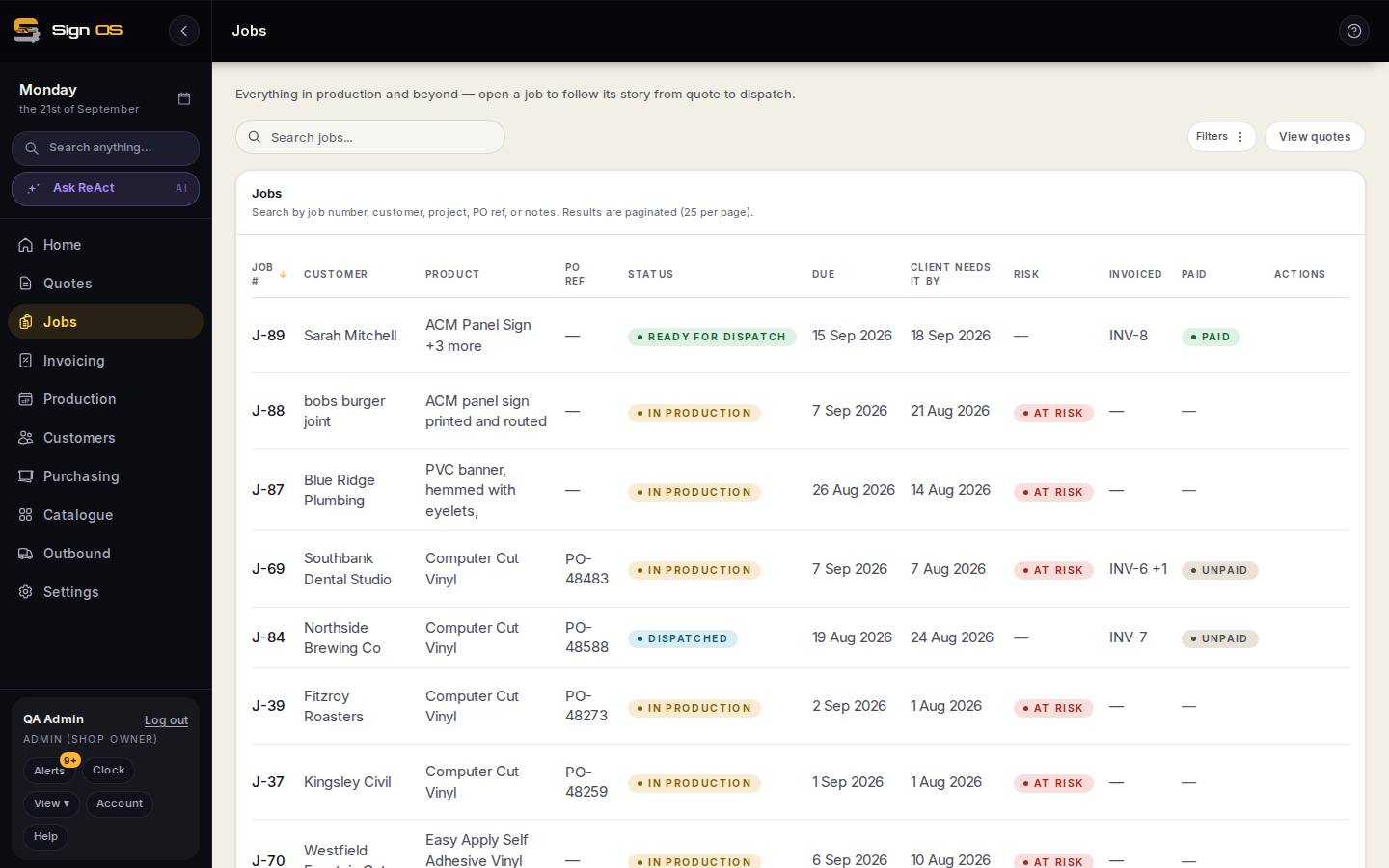
What is on this screen
Each part of the screen above, top to bottom, and what changing it affects.
- Status (Job details → Edit)
- Back to Queued or In production.
- Reopen job (cancelled banner)
- For a cancelled job; admins only.
Step by step
- 1
Open the job and change its status back to Queued or In production.
- 2
For a cancelled job, an admin uses Reopen job on the cancelled banner.
Tips & gotchas
- Reopening a cancelled job does not un-cancel its purchase orders or re-reserve stock — those already happened.
- Every status change is recorded on the job's activity, including who moved it and when.