
Send a job step out to a supplier
Hand a step you cannot do in-house to a trade supplier, and keep it on your board.
What this is for
Some steps you do not do yourself — the digital print, the powder coat, the CNC. Outsourcing turns one of those job steps into a purchase order to a trade supplier, while the step stays on your production board so nothing falls into a gap between your shop and theirs.
What is on this screen
Each part of the screen above, top to bottom, and what changing it affects.
On the job (Purchasing tab → Work sent out)
- Item · In-house / supplier · days
- One row per item on the job. Picking a supplier sends all that item's steps out; the days box is how many working days the supplier takes. The admin, file check and dispatch steps sit on their own row so they stay in-house.
- Show N steps · Show as one line
- Opens a row to send single steps out, like just the powder coat. A row opens by itself when its steps go to different suppliers or only some are on an order.
- Tick box · Raise an order for N lines
- Tick the rows going on one order. Each item becomes one order line with its own wording, the job line's quantity and a Total cost box.
- Back by · Create outsource order
- When you need it back, then raise the draft order to that supplier, linked to the steps. One supplier per order.
Before you start
- The job has its steps planned, and the step you want to send out is one of them.
- The supplier exists under Purchasing → Suppliers with a contact email.
Step by step
- 1
Open the job, go to the Purchasing tab and find Work sent out.
- 2
On the item's row, change In-house to the supplier and type how many working days they take. Sign OS plans the job backwards from when you need it, so five days on work due Friday means it leaves the Friday before.
Note: The supplier's days replace your own estimated time for those steps. They stop using your capacity and show on Out at suppliers.
- 3
Only part of the item going out? Press Show N steps and pick the supplier on just those steps.
- 4
Tick the rows for that supplier. Under Raise an order, check the wording of each line, type the total cost, set Back by, and press Create outsource order.
- 5
Open the draft order, check what the supplier will read, and click Send to supplier.
Tips & gotchas
- The step stays on your production board the whole time. Outsourced does not mean invisible.
- Send the artwork with it — the supplier link carries the job's artwork and final files, so you are not chasing a file-transfer link a fortnight later.
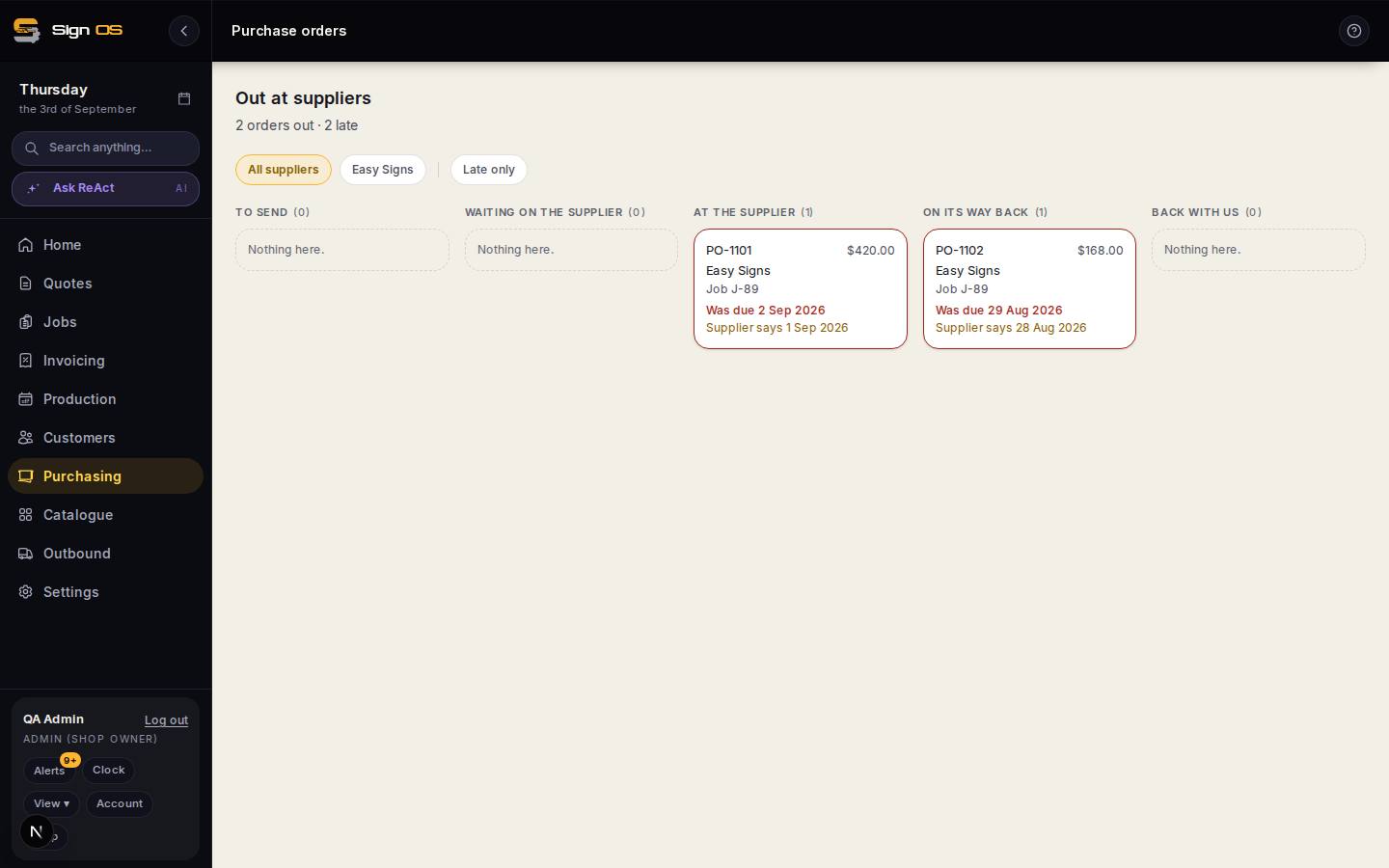
- If the supplier is late, the order shows as late on Out at suppliers before the job it belongs to is in trouble.
- Going to two suppliers? Raise one order each. The order box says so if the ticked rows don't share a supplier.