
Handle variations & extra work
Extra work the customer agreed to after the quote, priced and billed on the job.
What this is for
A variation is work the customer agreed to after the quote was accepted — an extra sign face, a bigger panel, a site visit that was not in scope. It is recorded on the job, not by editing the quote, so the customer's accepted price is never rewritten and the extra is billed on the next invoice.
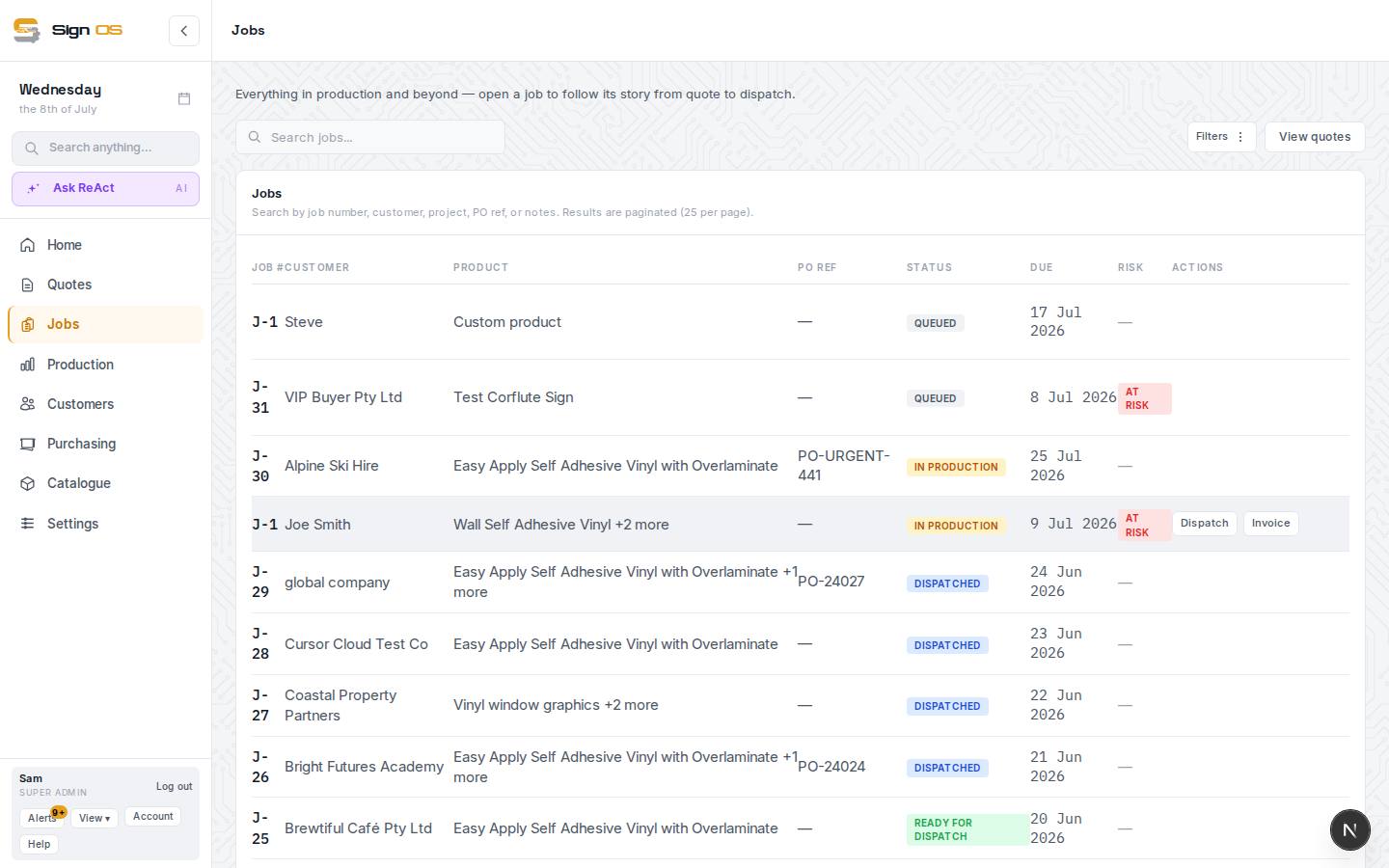
What is on this screen
Each part of the screen above, top to bottom, and what changing it affects.
Accounts tab → Variations
- Add variation
- Describe and price extra or changed work.
- Approve
- Only approved variations move the Revised target and bill on the next invoice.
Step by step
- 1
Open the job and its Accounts tab, then Add variation under Variations.
- 2
Describe the extra or changed work and price it. The Revised target at the top moves by that amount; the Quoted baseline stays as it was.
- 3
Approve the variation once the customer has agreed. Only approved variations flow into the job's value and its invoices.
- 4
If the change is a different sign or quantity rather than extra scope, use the Ordered tab instead — see Change what a job is making.
Tips & gotchas
- Get the customer's yes in writing first — log it under Correspondence on Details so the history shows who agreed to what.
- Who can approve a variation is set under Settings → Money → Quotes & invoices, Who can approve job variations. Admins always can.