
The money side — materials, POs, dispatch & accounts
Purchasing, Dispatch and Accounts on a job, and what each is for.
What this is for
Three tabs carry the commercial side of a job. Purchasing is what it needs bought or sent out. Dispatch is how it leaves the building. Accounts is the money: what was quoted, what has changed, what has been invoiced and what it actually cost.
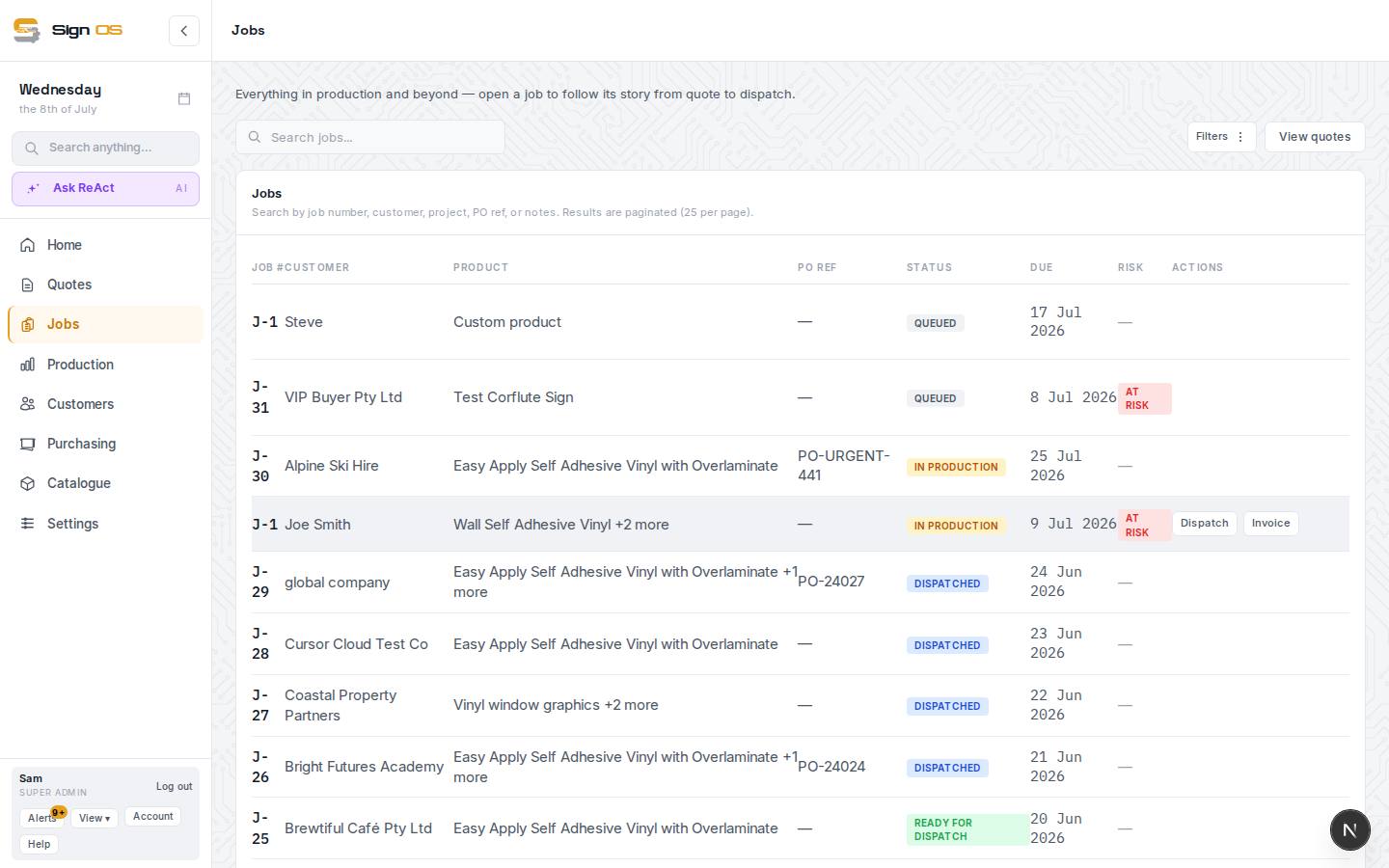
What is on this screen
Each part of the screen above, top to bottom, and what changing it affects.
Purchasing tab
- Materials for this job — Material · Needed · Reserved · Picked · Used · Shortfall · PO
- What the recipes need against stock, and the PO covering any shortfall.
- Reserve · Picked · Used · Un-reserve
- Move a material along: set it aside for the job, take it off the shelf, mark it used (its cost then counts in Additional production cost), or put a reservation back. Don't also add the same material under Additional cost tracking, or it counts twice.
- Purchase orders · + Create job PO
- POs linked to this job for back-costing.
- Work sent out
- One row per item on the job, with In-house or a supplier (the admin, file check and dispatch steps sit on their own row so they stay in-house). Picking a supplier sends all the item's steps out: they stop using your capacity and show on Out at suppliers. Show steps opens the row to set each step on its own.
Dispatch tab
- How it goes out — Installation · Delivery · Client pickup
- As set on the quote; Save how it goes out changes it.
- Install checklist · Add task
- Book install date, confirm site access, permits — ticked as done.
- Fulfilment · Dispatch address · Install required · Install notes · Save dispatch
- Where it goes and what the installer needs; the job moves to Dispatched when its docket is marked gone out on Outbound.
- Site documents — SWMS · Dispatch manifest
- Open SWMS → drafts the safety document; the manifest is the printable packing list.
Accounts tab
- Job card — Quoted · Actual
- The quote against what the job actually took, both at what you charge, excluding tax: labour in hours and dollars, materials, other (fees, delivery, approved changes) and the admin fee. Actual labour is each department's recorded time at its charge-out rate; actual materials are what staff recorded using at cost plus your markup, plus anything ordered in. Each column shows the tax and the total including tax underneath.
- Bill this job — the quoted amount · the actual · my own amount · Bill
- Sets the job to bill the figure you pick, adding the admin fee as its own line and one adjustment line for any difference, then opens the invoice to check and issue.
- Quoted baseline · Revised target · Total invoiced · Uninvoiced balance · Variance vs quote
- What was quoted, what it became after variations, what has been billed and what is left.
- Quoted margin · Net margin · Additional production cost
- Quoted margin is the quoted sell less the quoted cost, with approved variations. Net margin is invoiced revenue minus Additional production cost: the labour, materials and job POs recorded on the job. An operational estimate, not the books.
- Invoicing strategy
- Single final invoice, or staged.
- Variations · Add variation
- Approved scope changes.
- Invoices · Generate invoice
- Drafts and synced bills; Generate opens the invoice page.
Step by step
- 1
Job details, at the top: press Edit to record the customer's PO number, the ship-to address, due date, project name and status.
- 2
Purchasing tab: Materials for this job lists what the recipes need, what is reserved, picked, used and short, with a PO column. Release reserves the materials your stock shows on hand; Reserve sets one aside by hand, Picked marks it off the shelf, Used marks it used on the job (its cost then counts in Additional production cost), and Un-reserve puts it back. + Create job PO raises a purchase order linked to the job for back-costing. Work sent out sends an item to a supplier (one row per item; Show steps for each step) — it stops using your capacity and shows on the Out at suppliers board.
- 3
Dispatch tab: How it goes out (installation, delivery, client pickup) as set on the quote, an install checklist, dispatch address and install notes, plus the SWMS and the printable Dispatch manifest. The job moves to Dispatched when its docket is marked as gone out on Outbound.
- 4
Accounts tab, top: the Job card shows Quoted and Actual side by side. Under Bill this job, pick the quoted amount, the actual, or type your own, and press Bill. Sign OS adds the admin fee (Settings → Quotes & invoices) and an adjustment for the difference, then opens the invoice so you can check it and issue it to your accounting system. For a job with no quote, the actual is what you bill.
- 5
Accounts tab: the Quoted baseline, Revised target after variations, Total invoiced, Uninvoiced balance, Variance vs quote, Quoted margin, Net margin and Additional production cost (labour, materials, job POs). Variations and Invoices live here; Generate invoice opens the invoice page.
Tips & gotchas
- Tax and ledger figures come from your accounting software. The Accounts tab is an operational estimate, not the books.
- Net margin is invoiced revenue minus Additional production cost, so it means little until an invoice exists. Until then, Quoted margin (and the margin chip at the top of the job) shows what the job was quoted to make.