
Build process templates
Reusable blocks of work that carry their own departments, machines and time.
What this is for
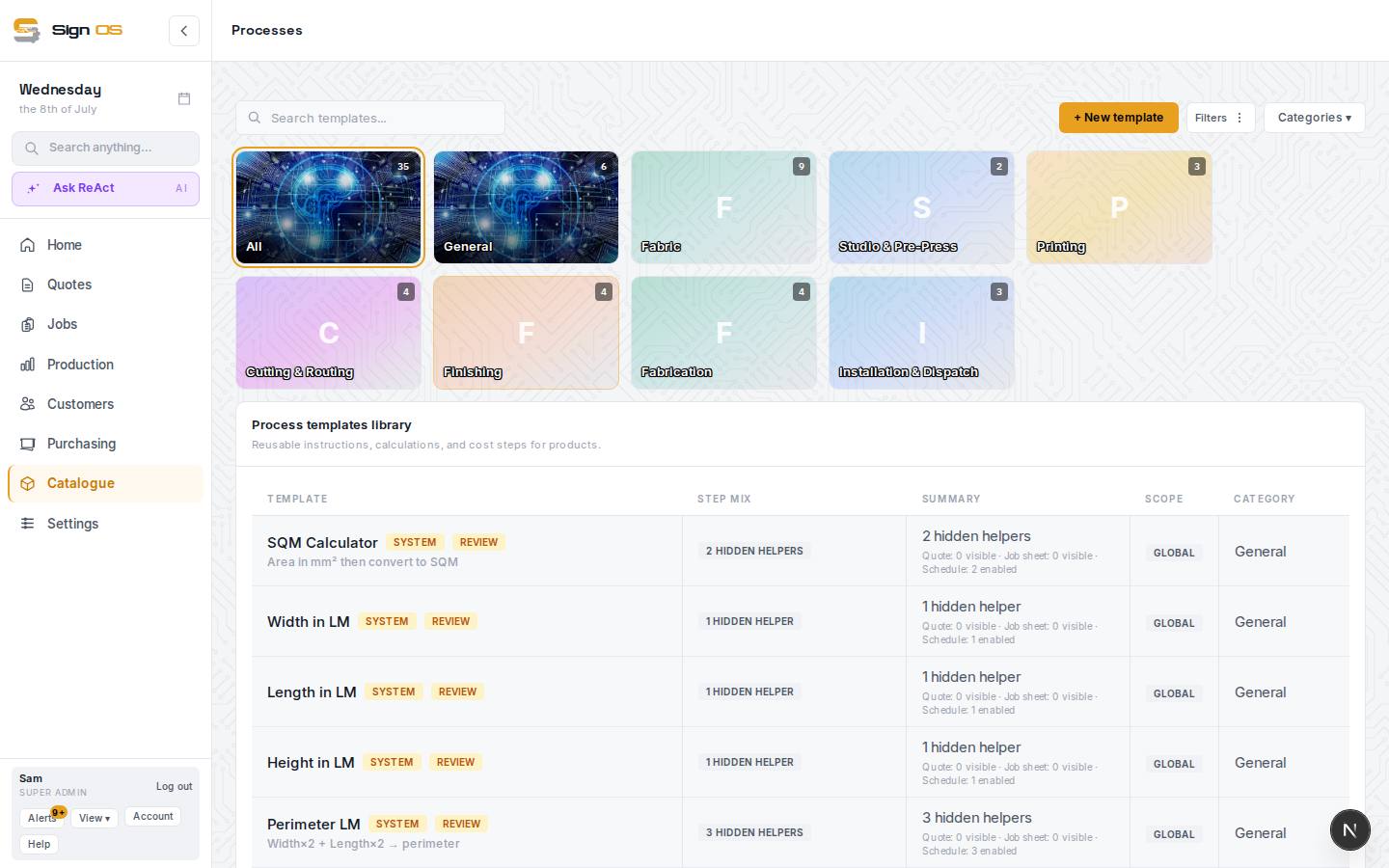
A process template captures a repeatable piece of production — say 'print, laminate and cut' — along with the departments, machines and time it takes. Build it once and drop it into any product, and the labour and machine cost comes with it.
Before you start
- Set up your departments and machine rates first, so processes can reference them.
Step by step
- 1
Open Catalogue → Processes.
- 2
Create a new template and give it a name that describes the work.
- 3
Add each step in order, choosing the department and machine it uses and the time it takes.
- 4
Save. The template is now available to add to any product.
Tips & gotchas
- Build templates for the sequences you repeat most — they are the biggest time-saver in the whole catalogue.
- Because steps carry departments, they also flow onto the floor boards when the job runs.