
Scan work on the floor
Update job progress with a scan, no keyboard needed.
What this is for
Floor scanning lets the shop update jobs by scanning a QR code on the printed job sheet — fast, hands-free progress updates that keep the boards and schedule accurate without anyone stopping to type.
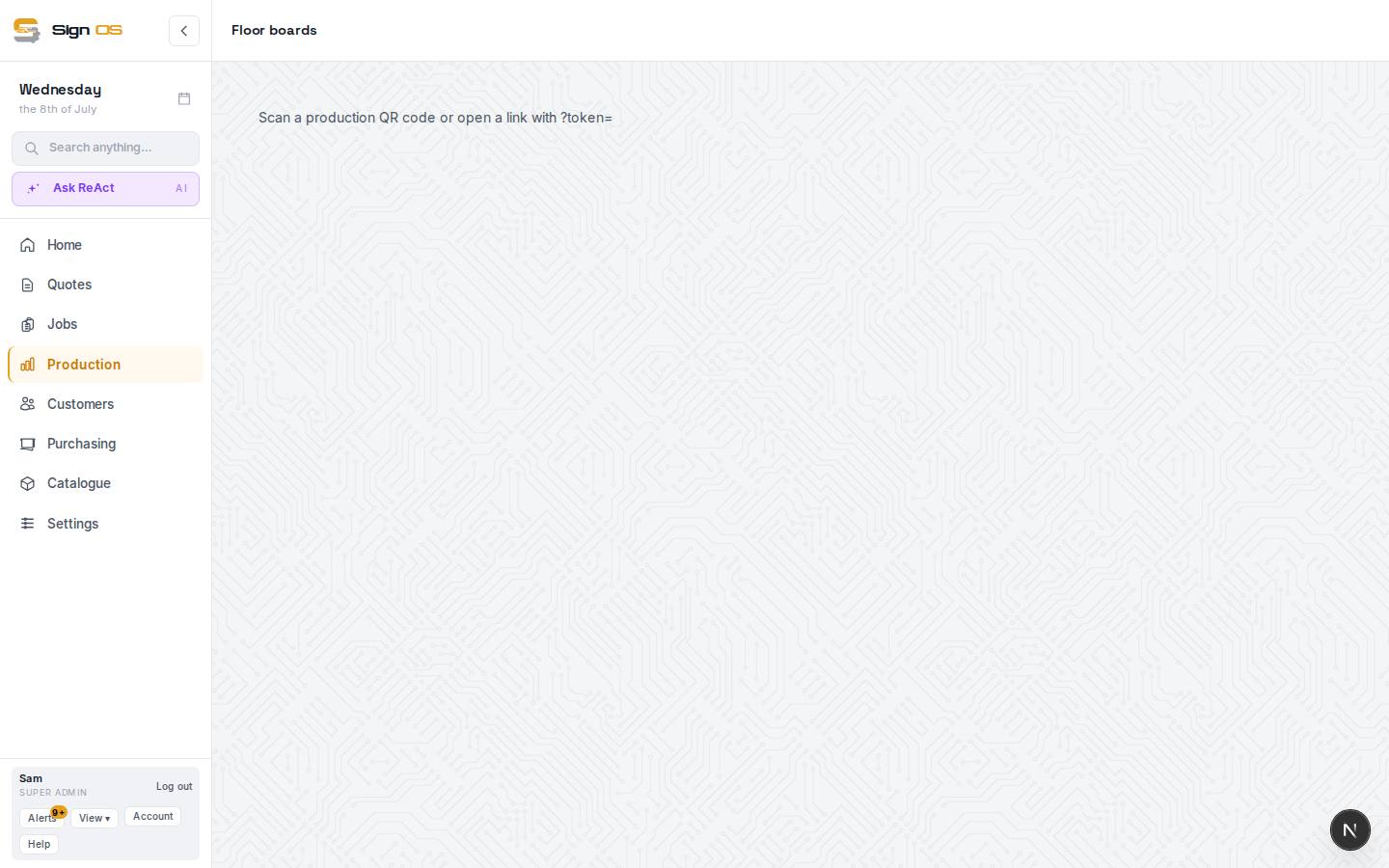
What is on this screen
Each part of the screen above, top to bottom, and what changing it affects.
- Scan page
- Opened by scanning a job sheet QR code. Starts a step that hasn't started, finishes one that's running, or carries on with a paused one, then drops you on the department board.
- Finished, or just pausing? — Finish · Pause
- Only where your shop lets staff pause a step. Scanning a running step asks which, and nothing changes until you pick.
Step by step
- 1
Print the job sheet so its QR codes go to the floor with the work.
- 2
Scan a QR code with a phone or scanning device. It opens the scan page and works out what you mean: a step not started yet starts; a paused one carries on.
- 3
Scanning a running step finishes it. If your shop allows pausing, it asks "Finished, or just pausing?" first: press Finish, or Pause to stop the clock and scan again later to carry on.
- 4
The change shows on the boards and the Schedule straight away, and the page drops you on the department board.
Tips & gotchas
- Scanning is the quickest way to keep production data honest. Encourage the floor to scan as they finish each step.
- A step on a job that's on hold can't be started from a scan; the page says the job is on hold and why. One already running can still be finished.
- A scan won't start a step that's still waiting on another one, such as an install before the job's workshop work is done.