
Track what each printer really costs to run
Log ink and media on real print runs and see the true cost per printer.
What this is for
A machine rate is a guess until you check it. Printer costs is where you log what real print runs used in ink and media, per printer, so over time you can see what each one actually costs to run and put that number back into its rate.
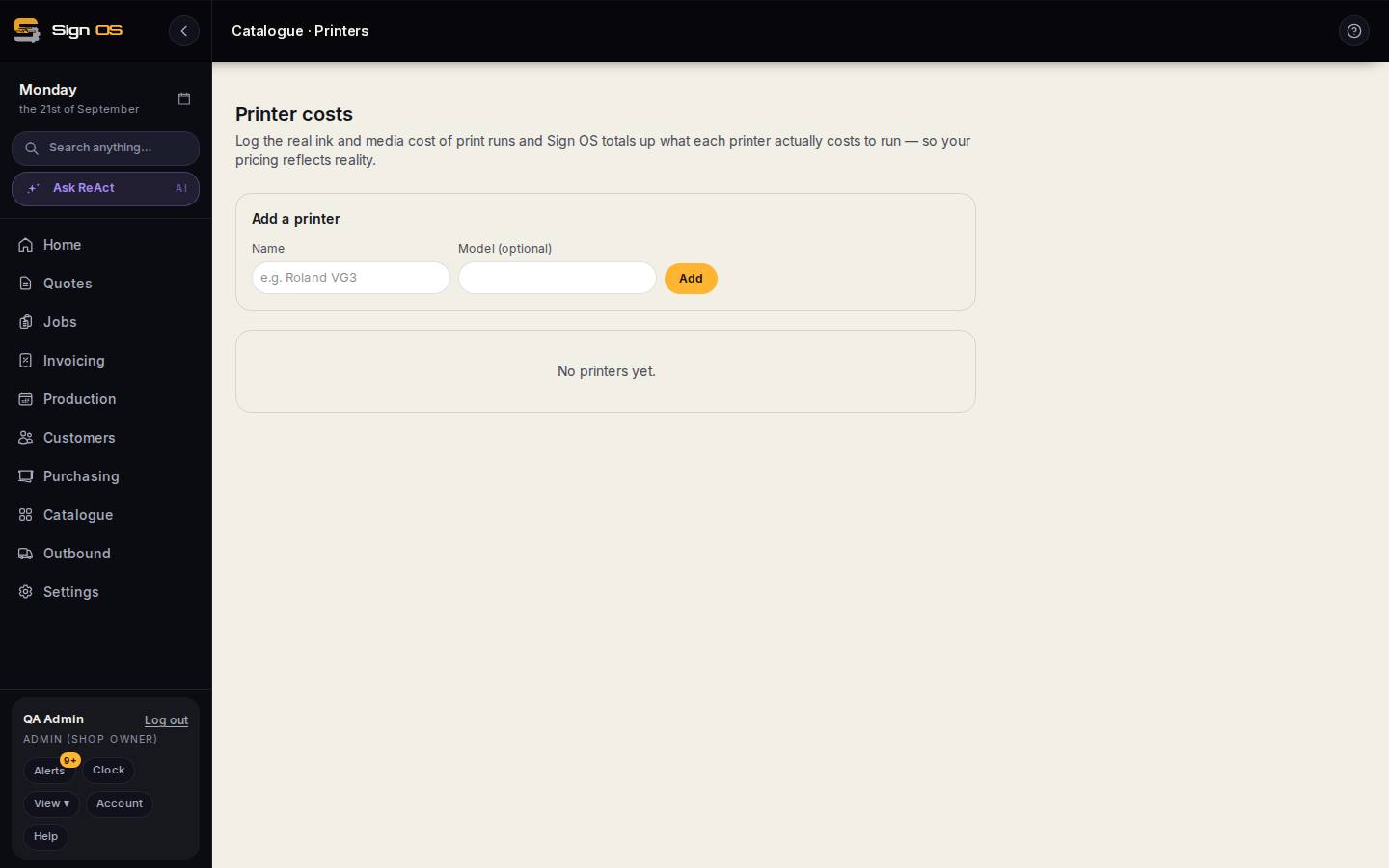
What is on this screen
Each part of the screen above, top to bottom, and what changing it affects.
- Add a printer — Name · Model · Add
- One entry per printer on the floor.
- Print run log
- Ink and media used per run, against a printer. Totals show what each machine actually costs to run.
Step by step
- 1
Open Insights → Printer costs.
- 2
Under Add a printer, give it a name (and the model if you like) and Add. Do this once per printer on the floor.
- 3
As print runs happen, log the ink and media they used against the printer. Sign OS totals it up per machine.
- 4
Compare the running total with the hourly rate you set under Machine rates. If they disagree, change the rate — that is what this screen is for.
Tips & gotchas
- A watchdog rule for printer cost variance can tell you when a job's real print cost drifts from what was quoted.