
Price breaks and tiered square-metre pricing
Lock a batch price, offer other quantities, or lower the square-metre rate on a bigger sign.
What this is for
Quantity offers, locked batch prices and area rates do different jobs. A quantity offer shows alternatives; a locked price can cover a first batch plus extras; a volume rate card chooses a rate by area.
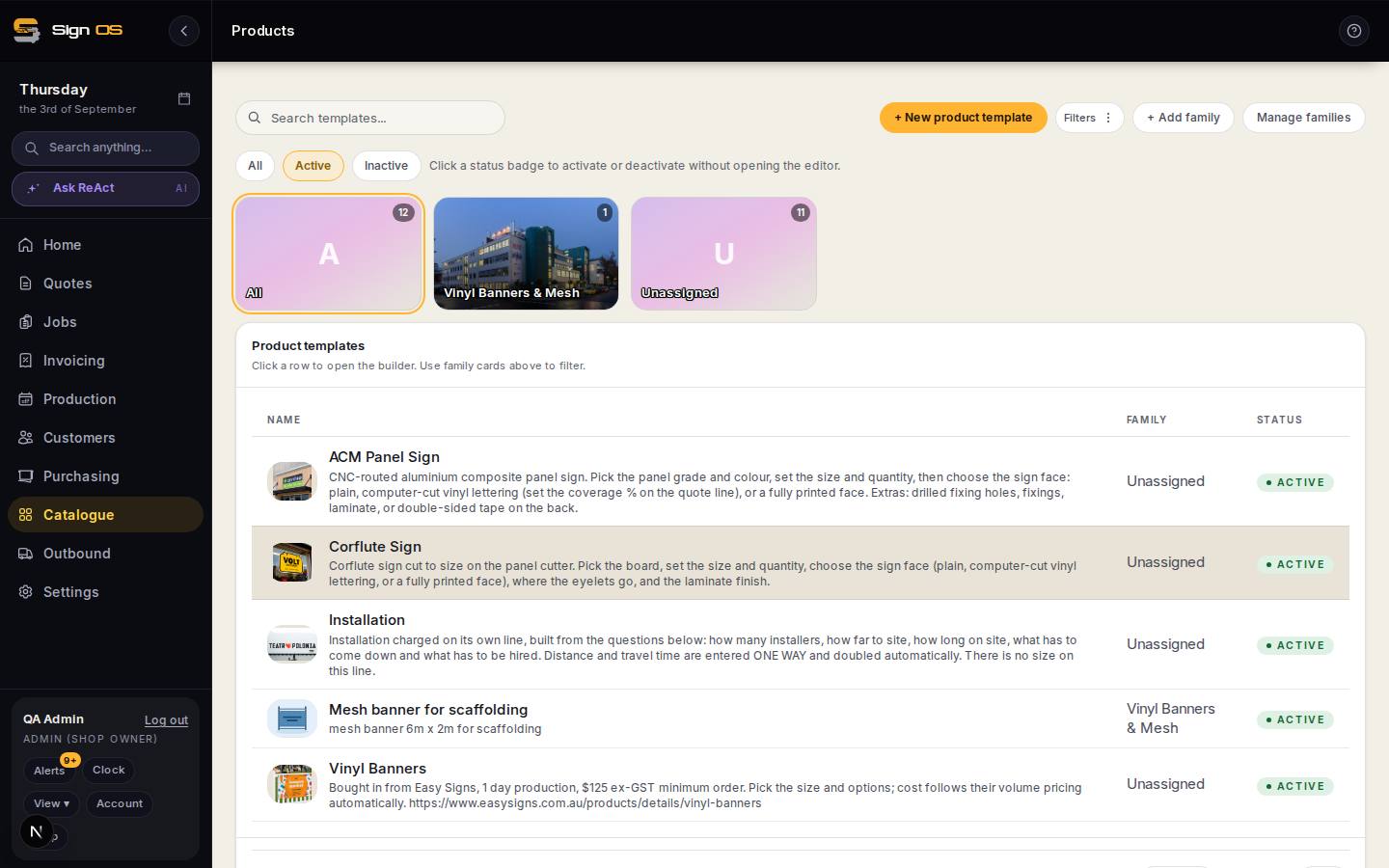
What is on this screen
Each part of the screen above, top to bottom, and what changing it affects.
- Locked selling prices · + Lock a price
- A selling price for selected choices or the whole product. Optionally covers a first batch, then charges each additional unit.
- Volume rate card (per m²)
- Area bands for products using tiered pricing. Check the whole quote’s tiered area when testing.
Before you start
- Have the product built, and know the real break points you sell at.
Step by step
- 1
Open the product in Catalogue → Products.
- 2
For a flat first batch plus a price for each extra, open Locked selling prices and press + Lock a price. Pick the choices it applies to, enter the price, fill in That price covers this many (optional) and Then each extra one, then press Lock this price.
- 3
For example, $50 covering 5 with $12.50 for each extra charges $50 for 1 to 5, and $62.50 for 6. Leave the quantity covered blank for an ordinary price per unit.
- 4
For tiered square-metre pricing, open Volume rate card (per m²) and press Add rate card. Set each Job size (m²) band and its Rate per m², then Save rate card. The rate is picked from the combined area of every line on the quote that has a rate card.
- 5
To show the customer several quantities, use Offer other quantities on the quote line. That displays separate calculated offers; it is not where you type a discount curve.
Note: While a line offers several quantities, the quote PDF shows no total and the quote can’t become a job until you choose the one the customer took.
- 6
Test it on a draft quote at quantities and sizes either side of every break.
Tips & gotchas
- Quantity options let one quote show several run lengths side by side — 50 against 500 — so the customer can see for themselves what ordering more is worth.
- Set break points where your cost genuinely changes: a second sheet, a second setup, a second trip. A break that does not match a real cost step is a discount you have talked yourself into.