
Say where stock actually lives
Racks, bays and vans — so people can find what the system says you own.
What this is for
Knowing you own three sheets is only half of it; somebody still has to find them. Stock locations let you name the places you keep things and record which one a delivery went into.
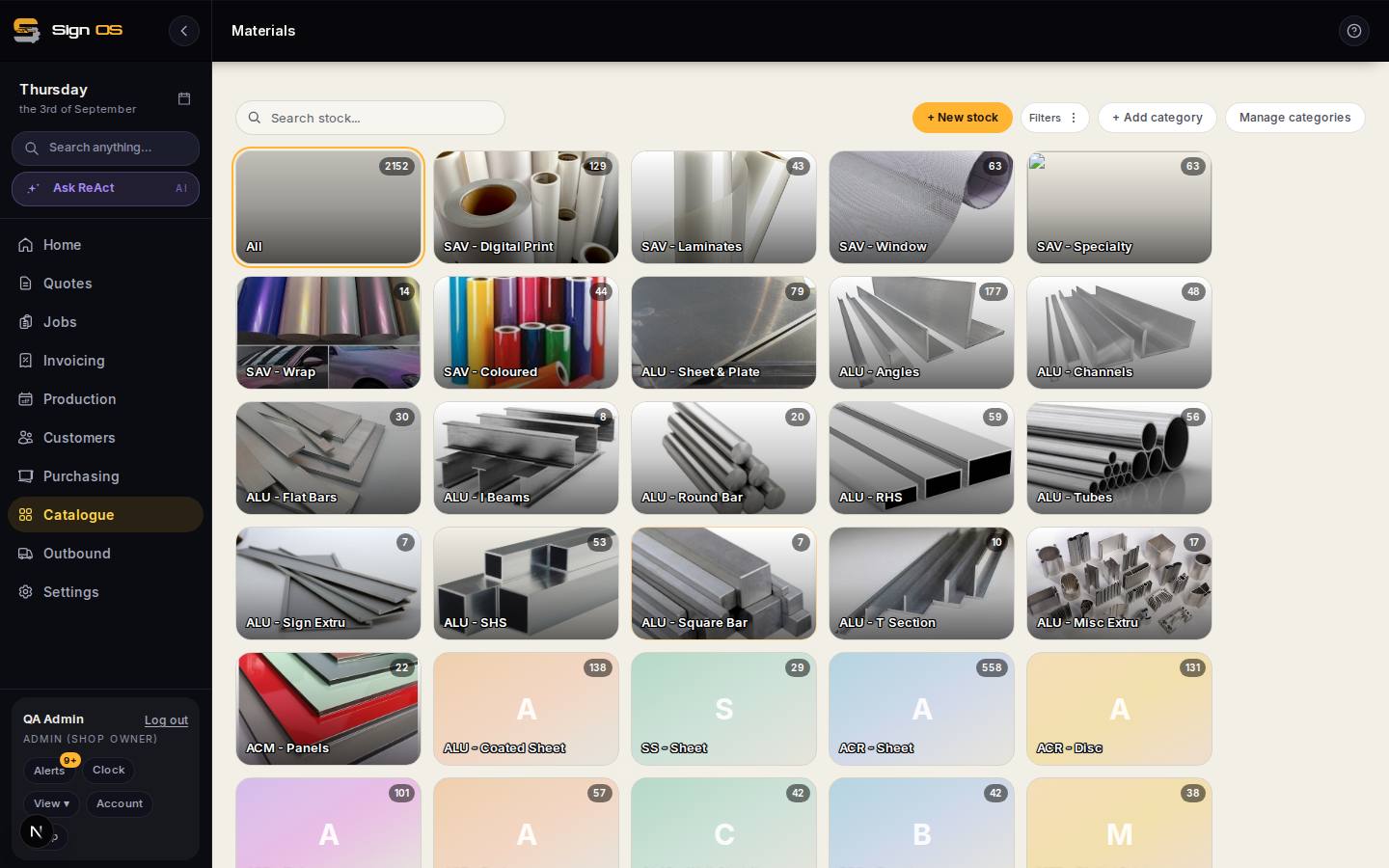
What is on this screen
Each part of the screen above, top to bottom, and what changing it affects.
Materials → Stock locations
- Add location
- The rack, the mezzanine, the van — named the way your shop says them.
- Rename · Hide · Show again
- Hide a location you no longer use: it stops being offered when receiving but keeps its history.
- Things received here
- Opens the list of what deliveries have put in that location, less any receipt that was undone.
- Location on a receipt line
- On a purchase order's Record receipt, each line can say where this delivery actually went.
Before you start
- An administrator adds and changes locations. Everyone with Materials access can see them.
Step by step
- 1
Open Materials and click Stock locations.
- 2
Add your locations — the rack, the mezzanine, the van, whatever your shop actually calls them.
- 3
When you receive a delivery, pick the location on each line it went into.
- 4
Back on Stock locations, click the “received here” line under a location to see what deliveries put there.
Tips & gotchas
- Deliberately simple: no bin barcodes and no per-location reorder points. It answers “where did it go” and nothing more.
- A shop that keeps no locations sees none of this — receiving works exactly as before until you add your first one.
- The received-here list is worked out from deliveries. Stock used or adjusted by hand isn’t tied to a location, so it shows where things went in, not how many are left there.