
Save a vehicle's wrap panels
Measure a van once; every wrap on that model afterwards reuses the numbers.
What this is for
Wrapping the same model twice should not mean measuring it twice. Save a vehicle's wrappable panels once and the next quote for that model comes with the panel sizes and total wrap area already worked out.
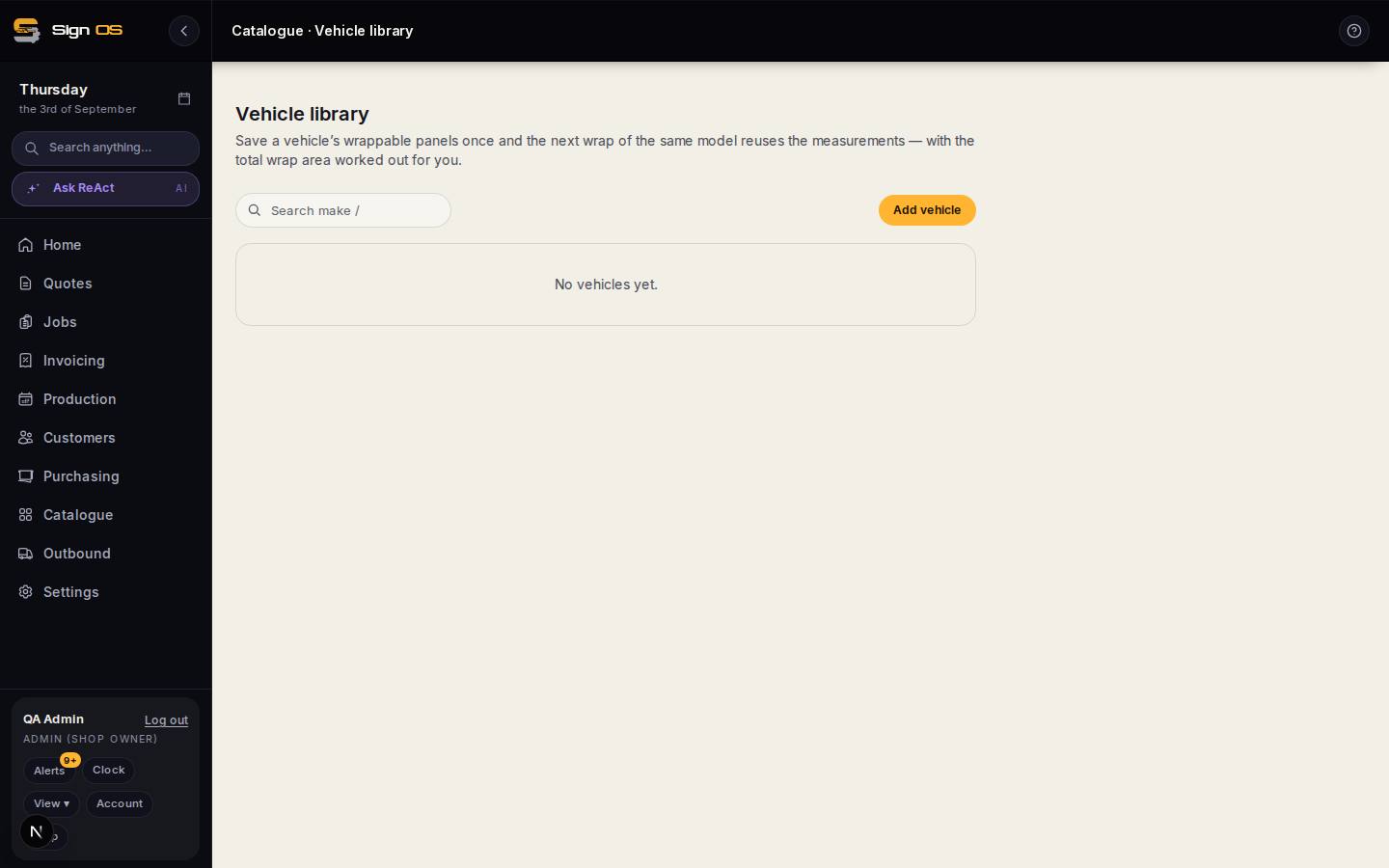
What is on this screen
Each part of the screen above, top to bottom, and what changing it affects.
- Add vehicle
- Make, model and body shape as your team says it.
- Panels
- Each wrappable panel with width and height — sides, rear, bonnet, roof, doors. Total wrap area is worked out.
- The list
- Saved vehicles, reusable on any quote line for the same model.
Before you start
- Have the panel measurements — these are your own measurements, not a lookup.
Step by step
- 1
Open Catalogue → Vehicle library and press Add vehicle.
- 2
Name it the way your team says it — make, model and body shape.
- 3
Add each wrappable panel with its width and height: sides, rear, bonnet, roof, doors.
- 4
Save. The total wrap area is worked out for you and the vehicle is available on any quote line.
Tips & gotchas
- Measure the panel you will actually cover, not the panel that exists. Wrapping to a seam is a different number from wrapping to the edge.
- Sign OS does not look a vehicle up from its registration plate. Every measurement here is one your shop took, which is why it can be trusted.