
Sign OS blog
Meeting Deadlines: How Sign OS Keeps Sign Installers on Schedule
· Updated
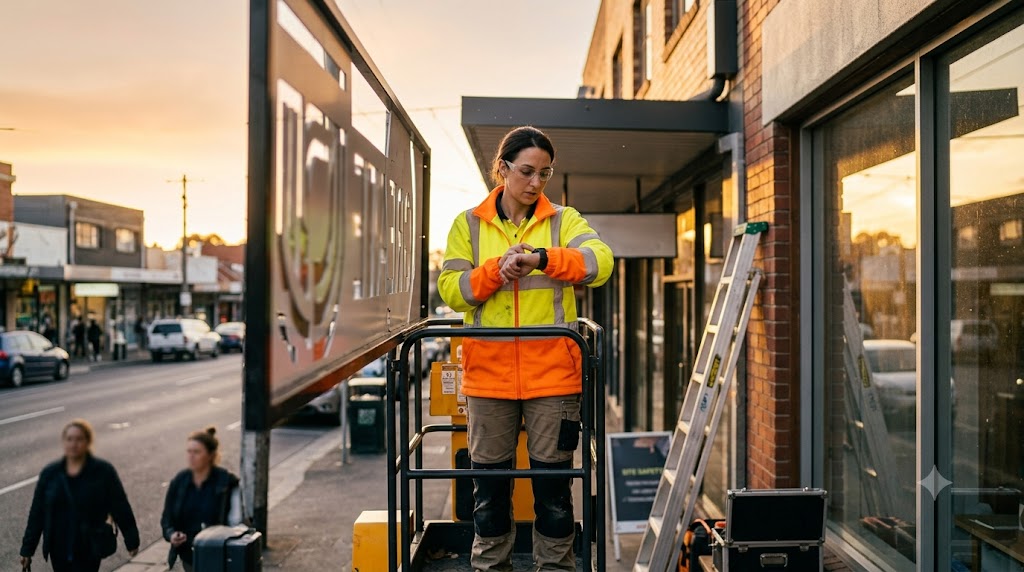
An install date is a promise made to a customer, often weeks before anyone touches a tool. Between that promise and the crew arriving on site sits production, materials, and a dozen chances for the date to quietly slip. The installer is usually the last to know — and the first the customer blames.
Sign OS keeps the install date honest by making it the same date everything else is scheduled around. There's no separate installer calendar drifting out of sync with the shop. There's one required date, and the whole job is planned around it.
The date is set once, at the quote
When a quote is built, Sign OS captures the dates that matter as structured fields, not as a line in the notes: a manufacture completion date and the client required date — when the customer actually needs it delivered or installed. Those aren't decoration. They flow through to the job and become the dates the planner works to.
Because the date lives on the job, it's the same date the installer sees, the same date production is measured against, and the same date the front office quotes from. Nobody is working from a screenshot of a calendar someone photographed last Tuesday.
The plan already knows the install date
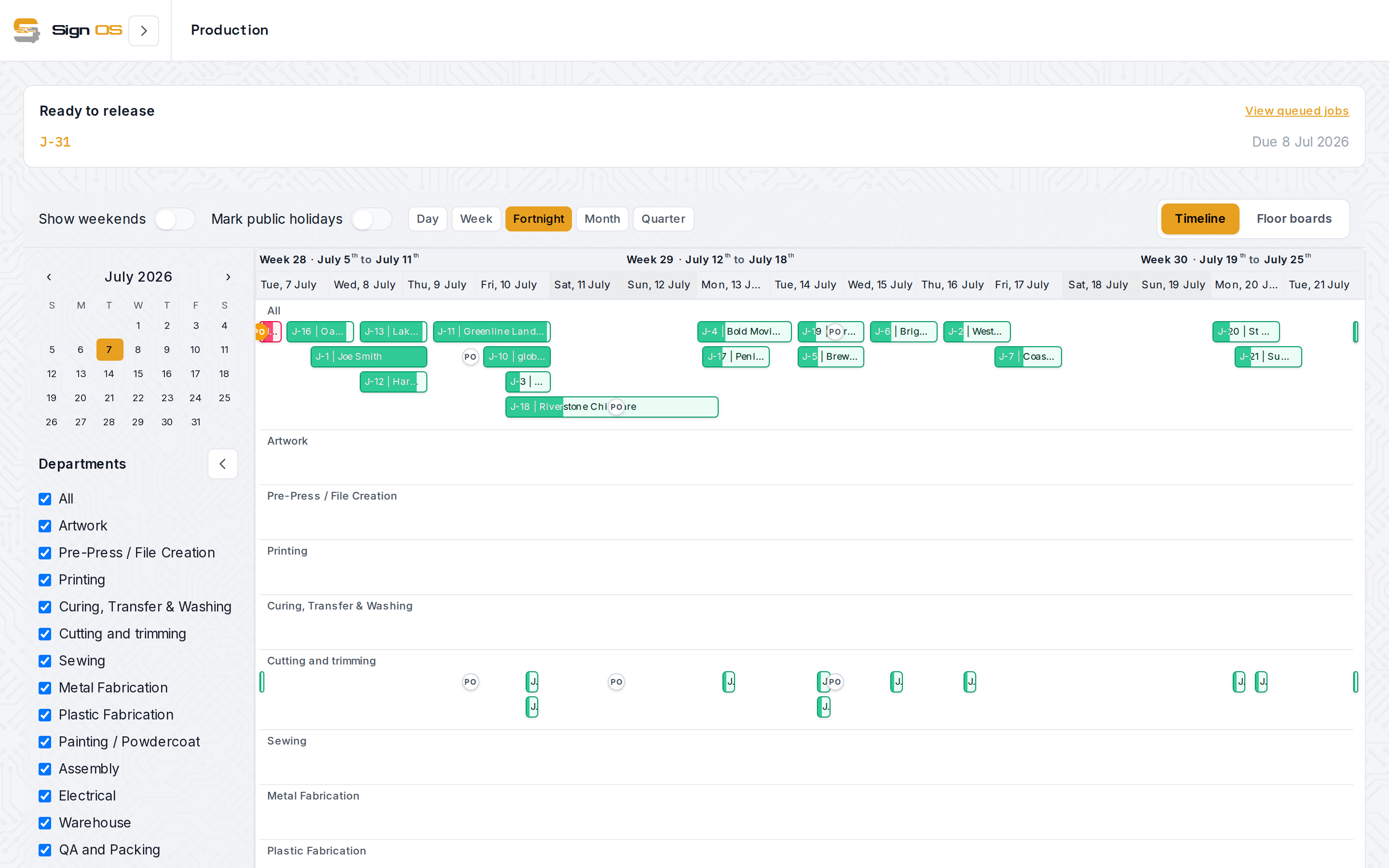
When a job is released to production, Sign OS works out the plan itself. Each step gets a latest safe start worked back from the due date, using the estimated minutes, department buffers and drying time, and the install is placed after all of that sign's workshop work. Then a live forecast books the work against the hours your people and departments actually have: your working days and hours, rosters, shut days and Australian public holidays, with work already running or finished at its real times.
The result is a plan that already accounts for the install. If the work doesn't fit before the required date, you see it when the job goes in, not the week of the install. You can steer it on the schedule by dragging work to another day or another person, and the preview tells you before you let go whether that move pushes this job, or any other, past its due date or the customer's date.
Late, before the customer notices
Every job on the schedule is coloured by how it's tracking against its due date, and a job the plan has finishing after its due date shows red, on the schedule and on the floor board, with the new finish time. You can have Sign OS tell you when a job is going to finish after its due date or the customer's date: as a notice to your staff or a draft email for you to check, never an email straight to the customer.
That gives you the warning while there's still room to act: pull a job forward, add a shift, call the customer early. Above the schedule, capacity warnings show which departments are overloaded or nearing capacity, so you can see the bottleneck that's about to threaten three install dates at once.
Purchase orders raised against a job appear as markers on its bar in the Timeline view at their required-by dates, with overdue ones standing out — because the most common reason an install date slips isn't the crew, it's material that didn't land in time.
The installer sees the same due date
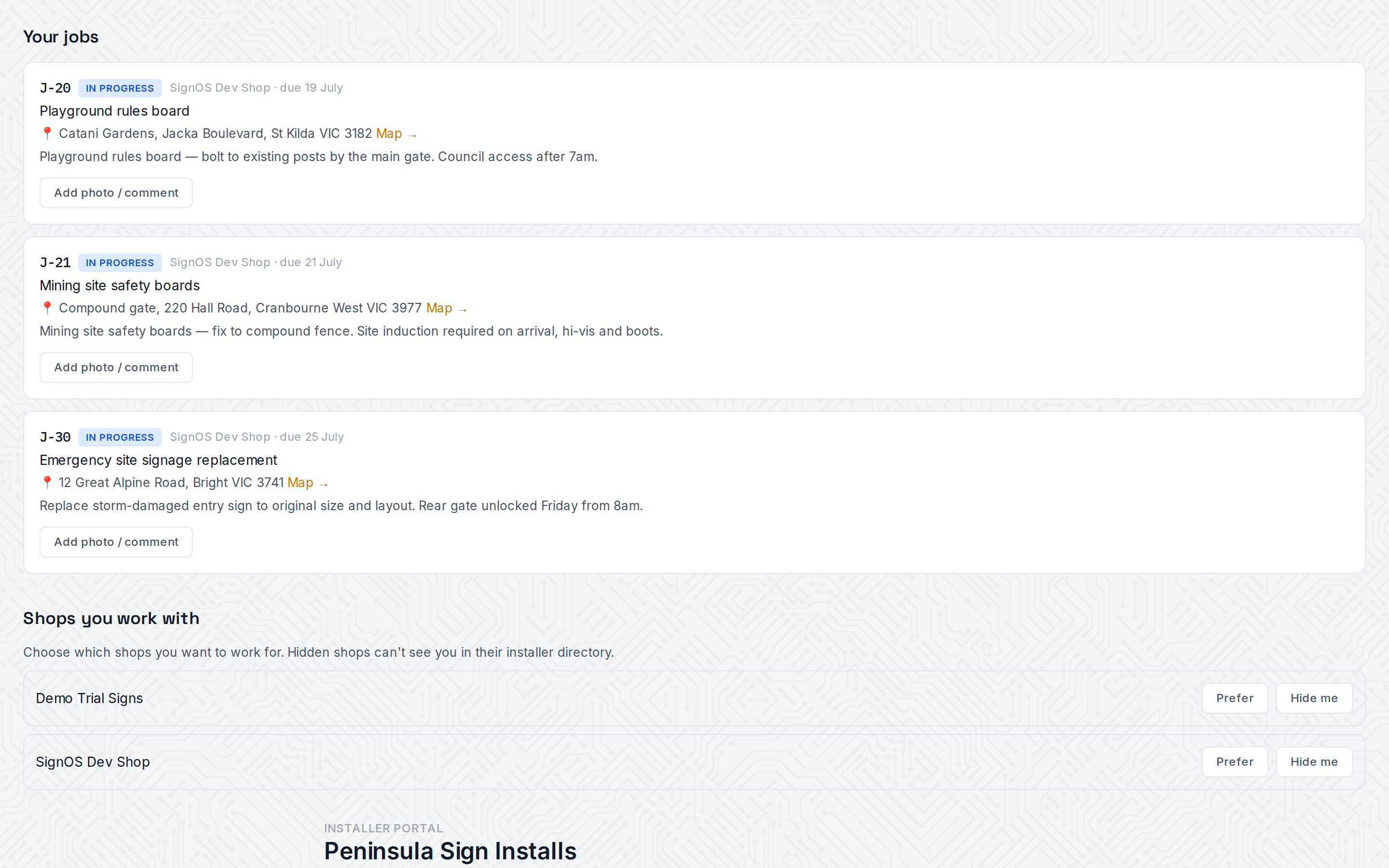
Installers work through their own portal, where every assigned job shows its due date alongside the site address, the project, and the shop's installer notes — pulled straight from the job, across every shop that's assigned them work. There's no separate spreadsheet to reconcile and no version of the schedule that only the office can see. The date the shop is racing toward is the date on the installer's screen.
Honest about the edges
Sign OS keeps the schedule truthful and shared, but it doesn't push a contractor installer a reminder or an alert when a date moves. The installer portal shows the current job list whenever they open it, rather than notifying them. Your own staff are better served: they see their planned week on My work and can subscribe to a private calendar feed on their phone that follows the plan. We keep an honest status board on our own homepage rather than promising what isn't shipped. What's real today is the thing that actually prevents blown deadlines: one date, set at the quote, planned against real working time, flagged early when it's going to be late, and visible to everyone who has to hit it.
Sign OS is built and supported in Victoria, Australia — AUD plans, a working calendar that knows local public holidays, and a free 30-day trial with no card required.