
Change or cancel an order you have already sent
Amend it, reissue it, or cancel it — and make sure the supplier finds out.
What this is for
Prices change and suppliers ring up. A sent order used to be frozen, so the only way out was to cancel and start again, losing the number and the thread. Now it can change without pretending it never said what it said.
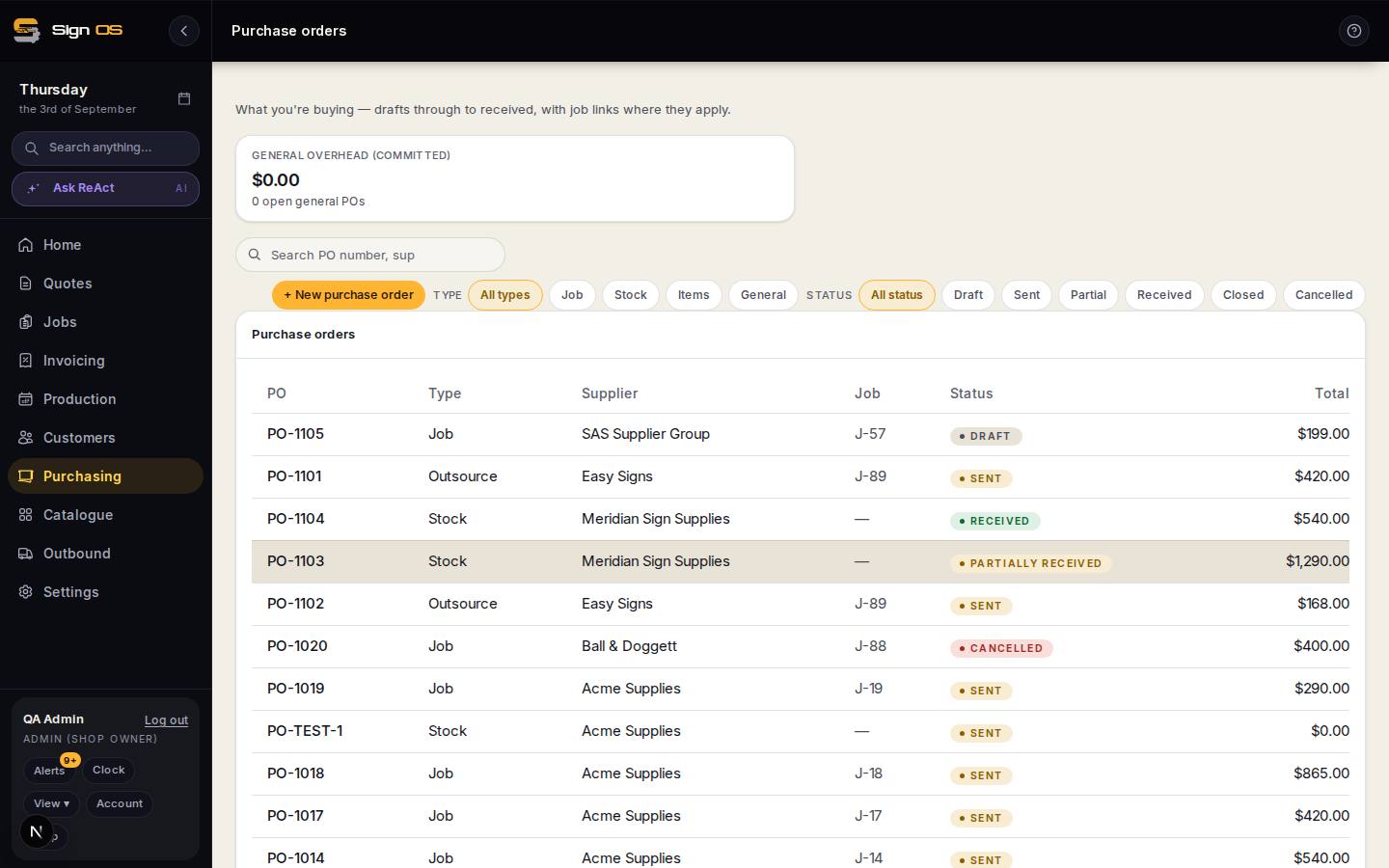
What is on this screen
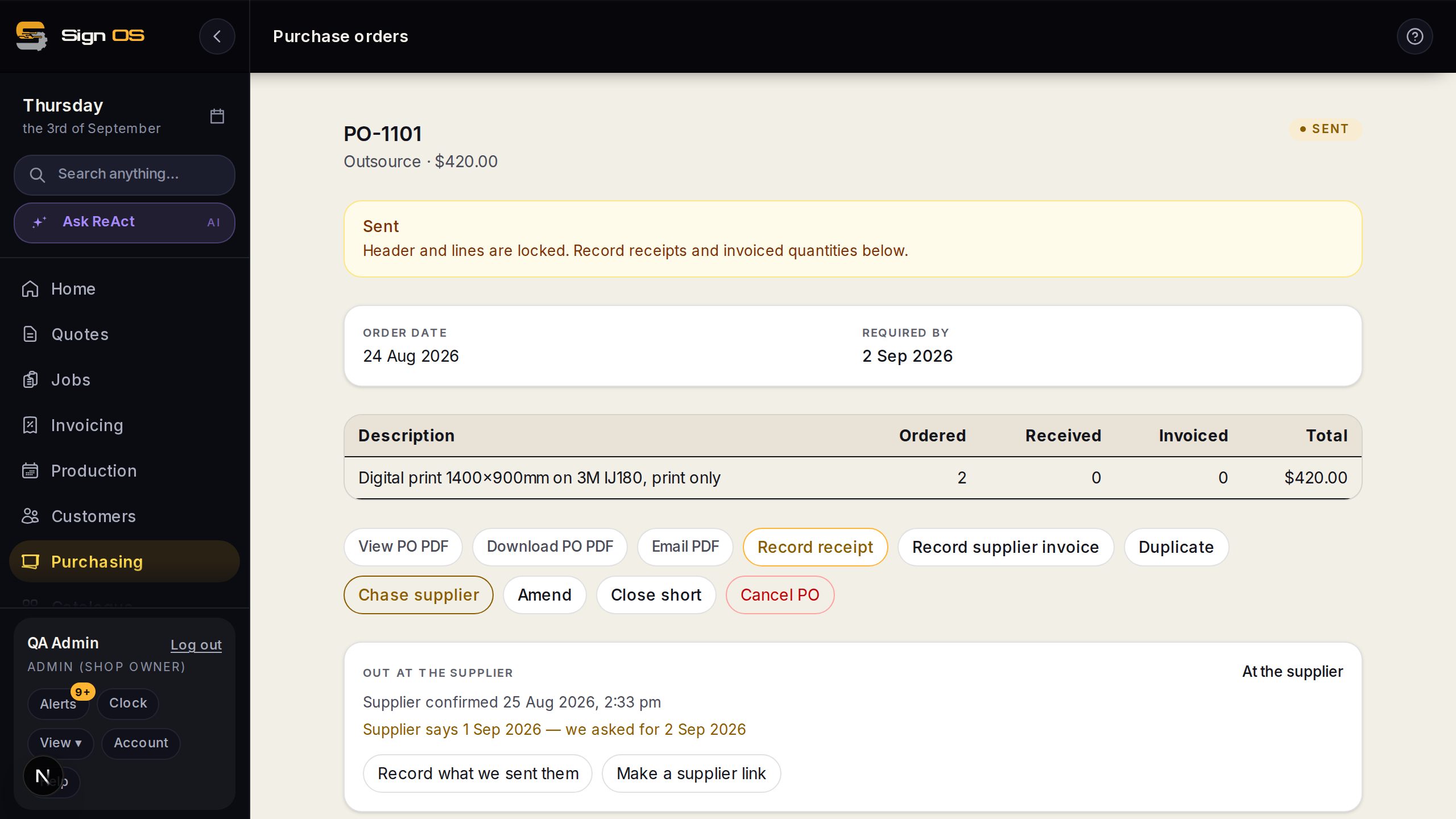
Each part of the screen above, top to bottom, and what changing it affects.
On a sent purchase order
- Amend
- Change quantities, prices or lines. Save raises the revision number; the PDF says Revision 2; the supplier is emailed the new total and their earlier confirmation is cleared.
- Reissue
- For a fundamental change such as a different supplier: the old order is cancelled and a new draft with the same lines replaces it, linked. Admins only, and only while nothing has been received or billed against the order.
- Cancel · tell the supplier?
- Stops the order, with or without an email.
Before you start
- The order has been sent to the supplier.
Step by step
- 1
Open the order and click Amend to change quantities, prices, or lines.
- 2
Save it. The revision number goes up, and the PDF says “Revision 2” on its face so the supplier can tell which copy is current.
Note: You cannot reduce a line below what has already arrived. The goods are on the shelf, and an order claiming otherwise is a lie your stock figures would have to live with.
- 3
The supplier is emailed the new total and a link to the updated order. Their earlier confirmation is cleared, so they can confirm the new numbers.
- 4
Changed fundamentally — a different supplier, say? Use Reissue instead: pick the supplier for the new order, add a note if you like, and confirm. The old order is cancelled and a new draft with the same lines replaces it, with the link between them recorded. Check it and issue it like any other order.
- 5
To cancel outright, click Cancel and choose whether to tell the supplier. A cancellation nobody hears about still arrives on a truck.
Tips & gotchas
- Amending only moves the outstanding quantity on your stock figures. What is already received is on the shelf, not on order.
- If the new total is above your approval limit, the amendment goes back for approval — a $500 order amended to $8,000 does not sneak past because it was approved once.
- A reissue sends no emails. The replacement, once issued, is the notice to its supplier; if it goes to a different supplier, tell the old one yourself.
- Reissue only appears while nothing has been received or billed on the order. After that, amend it or close it short instead.
- Whether a cancellation emails the supplier is a shop setting on Purchasing settings: always, never, or ask each time.