
Build job checklist templates
Reusable QA and production checklists you attach to jobs.
What this is for
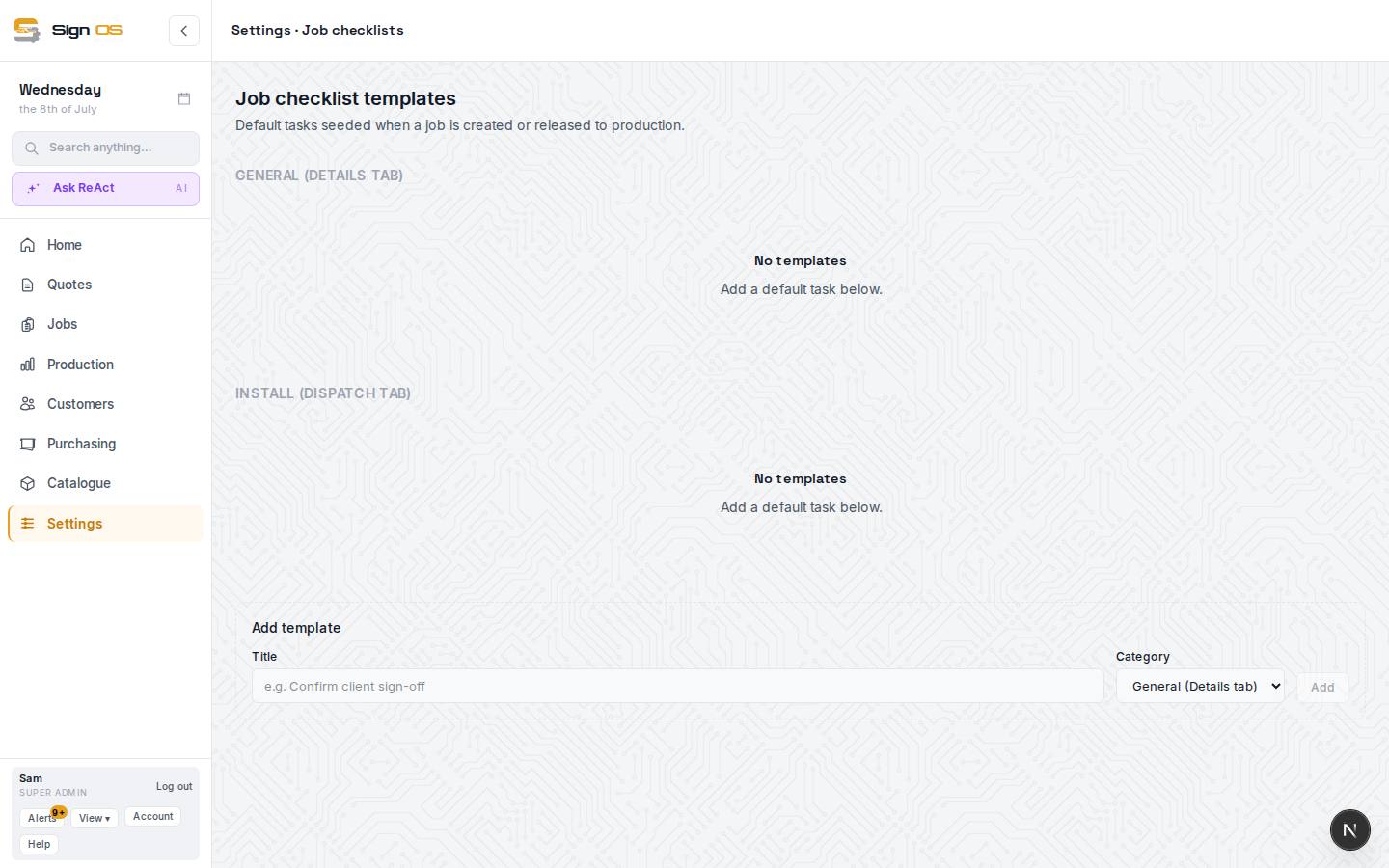
Job checklist templates are the default tasks that get seeded onto every job — so the same quality checks happen every time, no matter who is on the job. General tasks show on the job's Details tab; Install tasks show on its Dispatch tab.
Before you start
- You are signed in as an admin.
Step by step
- 1
Open Documents → Job checklists.
- 2
In Add template, type a Title, pick a Category — General (Details tab) or Install (Dispatch tab) — and click Add.
- 3
Each task saves as you go. Use the ↑ ↓ buttons to reorder, or Delete to remove one.
- 4
New jobs pick up these tasks automatically, and staff tick them off as they work.
Tips & gotchas
- A short, real checklist people actually use beats a long one they skip. Start with your most common quality misses.