
Write a customer's standing notes once
The things that are always true about an account, kept on the account.
What this is for
Every regular customer has a handful of standing facts — where to deliver, who signs, what they always want, what went wrong last time. Written on the customer, they show up wherever that customer does, instead of being re-typed onto every job and forgotten on the one that mattered.
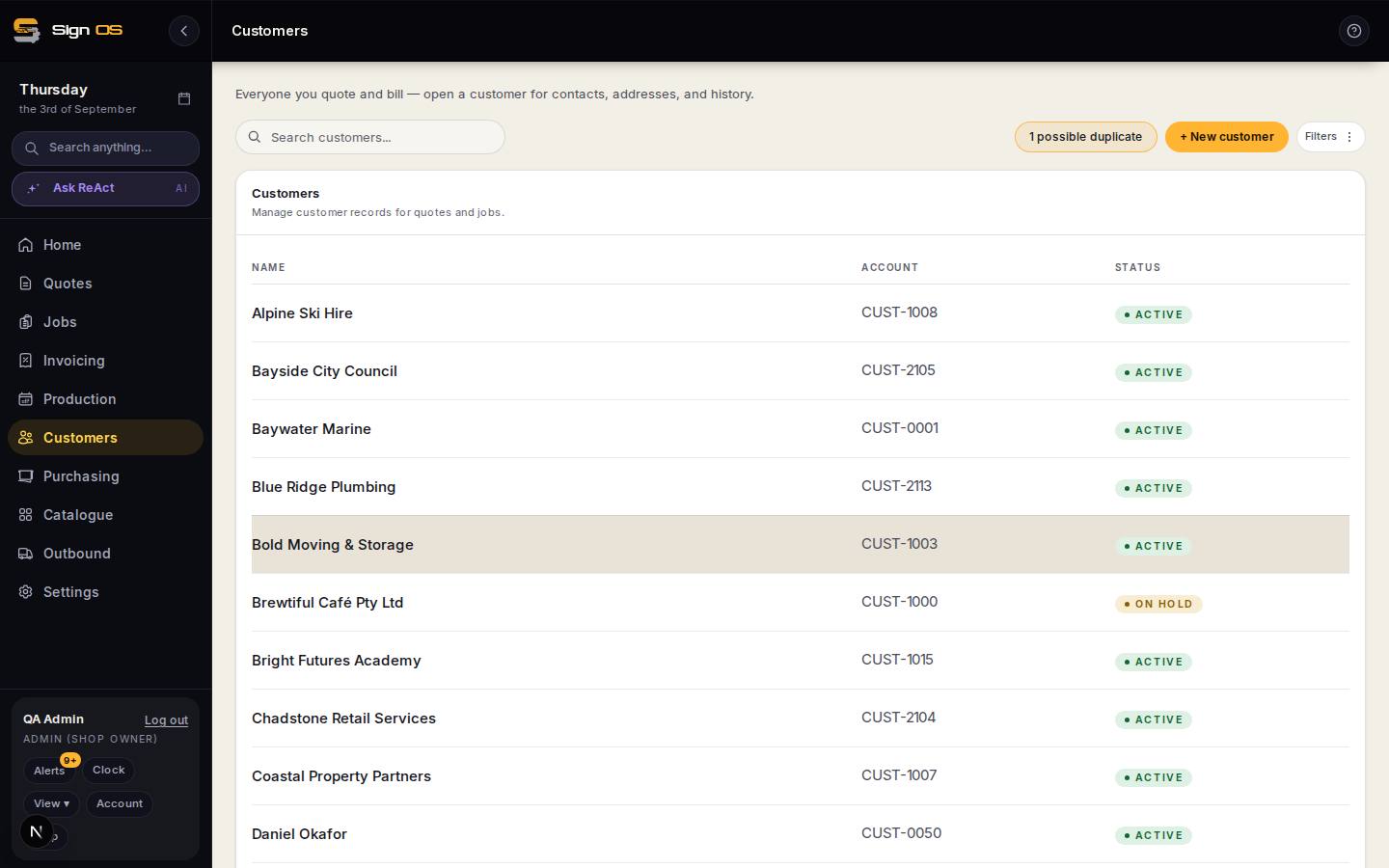
What is on this screen
Each part of the screen above, top to bottom, and what changing it affects.
- Standing notes (on the customer)
- Access, delivery, who approves, preferences. Shown on every quote and job for that customer.
Before you start
- Have the customer record open.
Step by step
- 1
Open Customers and pick the customer.
- 2
Find the notes on the account overview and write what is always true — access, delivery, who approves, standing preferences.
- 3
Save. The note travels with the customer onto their quotes and jobs.
- 4
Under Notes that go on their paperwork, fill in On every quote, On every job, On every delivery and On every invoice. Each one is copied onto that paperwork for this customer: the quote, the job sheet, the delivery docket and the invoice. Anyone can change it on the day without changing it for next time. Check a sample before putting internal-only information there.
Tips & gotchas
- Keep it to what is always true. A note about one job belongs on that job — put it here and it will be read out on a job it has nothing to do with, for years.
- This is the right home for the thing everyone in the shop 'just knows'. It is also the only version of it that survives the person who knew it leaving.