
Bring your history from your old system
Past jobs come across as searchable history — not as live work to redo.
What this is for
Switching systems should not mean losing what you charged this customer last time. Your old quotes, jobs and invoices can be brought across so they stay searchable, without any of them landing on your production board as work to do.
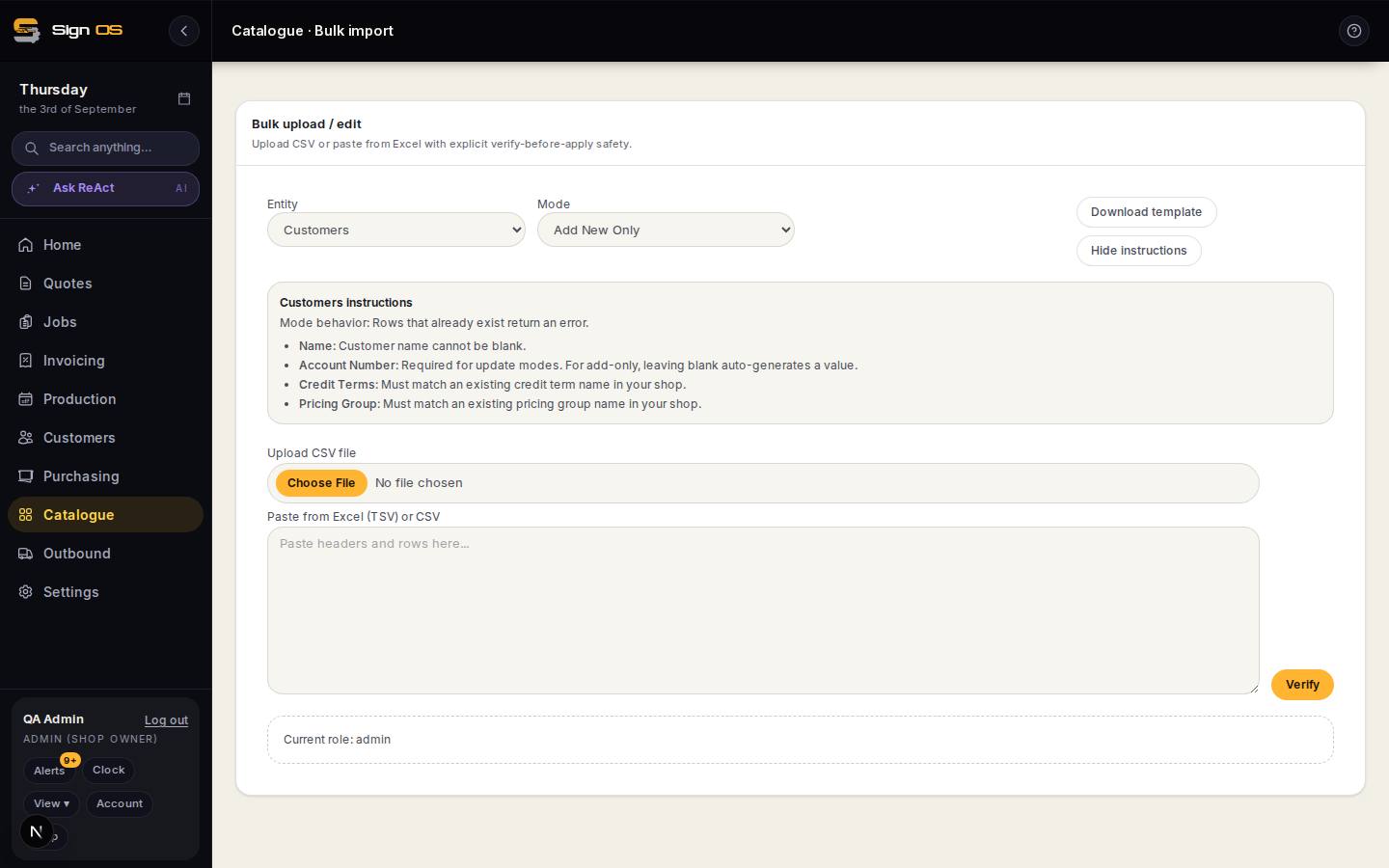
What is on this screen
Each part of the screen above, top to bottom, and what changing it affects.
- Your export · how far back
- What you send us.
- The sample
- Your old fields mapped onto Sign OS records, to check before anything is written — totals and whether prices included GST.
- Imported work
- Shows on your Quotes and Jobs lists badged with your old system's name, and under each list's History view. Read only, never live work.
Before you start
- Get an export out of your old system — a CSV or a database export. We will tell you what we can read.
- Talk to us before you start. A history import is something we do with you, not a button you press.
Step by step
- 1
Send us the export from your old system and tell us roughly how far back you want to go.
- 2
We map your old fields onto Sign OS records and show you a sample before anything is written.
- 3
Check the sample carefully — particularly totals, and whether your old prices included GST.
- 4
We load the history. Imported quotes and jobs show on your normal lists with your old system's name beside the number, so it is obvious what came from where. History, on the Quotes and Jobs lists, shows just the imported ones.
- 5
Search for a few jobs you remember and check they read correctly.
Note: Imported history is history. Old jobs do not appear on the production board, do not reserve stock, and do not generate invoices. That is deliberate — importing twenty years of work should not restart twenty years of production.
Tips & gotchas
- How far back is worth it? Far enough to answer 'what did we charge them last time'. Beyond that it is storage.
- An imported job opens read only, with the lines and what each was charged. To make it again, use Copy to new quote.
- GST is the trap. If your old system stored prices including GST and Sign OS stores them excluding it, every imported figure is out by ten per cent until it is corrected. We check this before loading, not after.